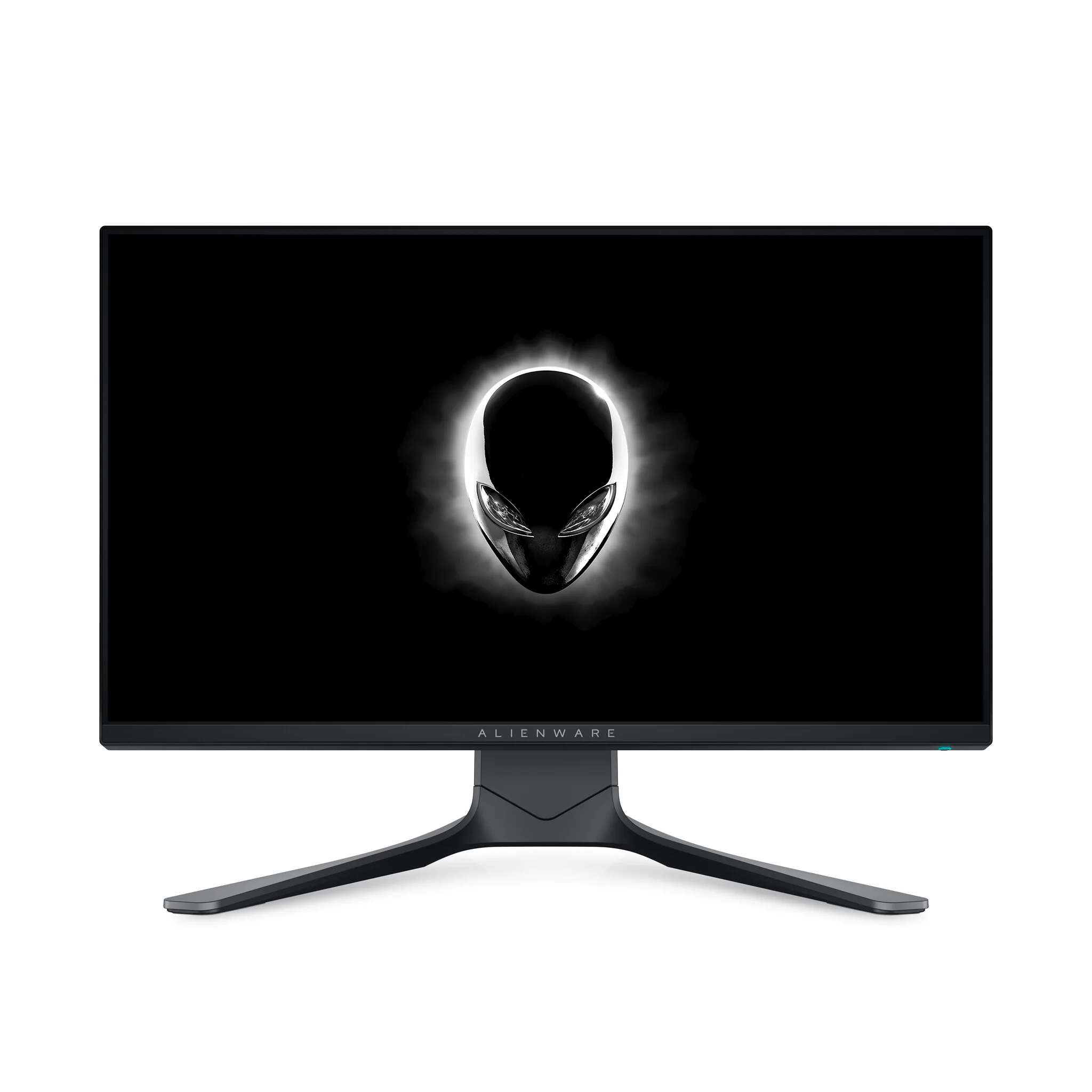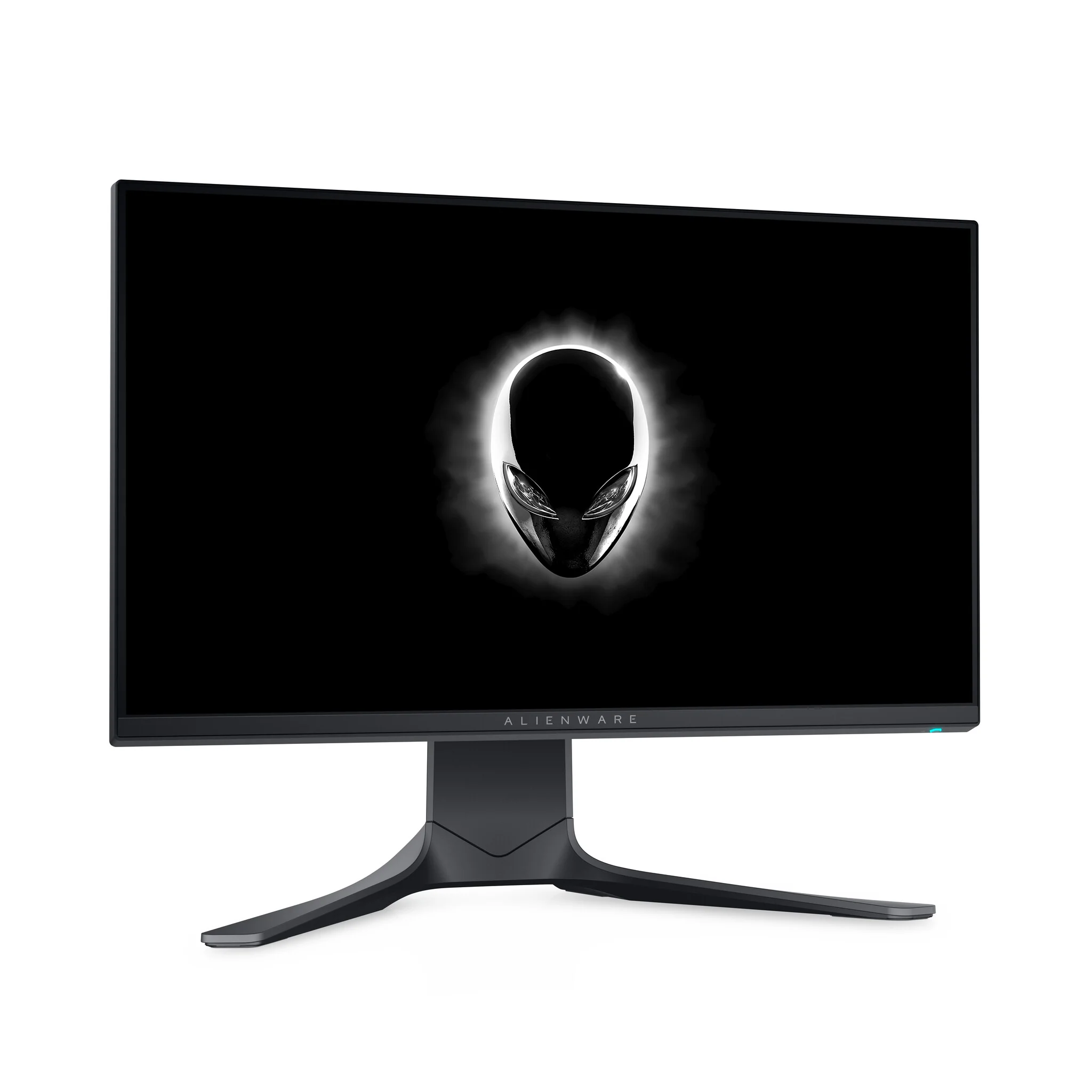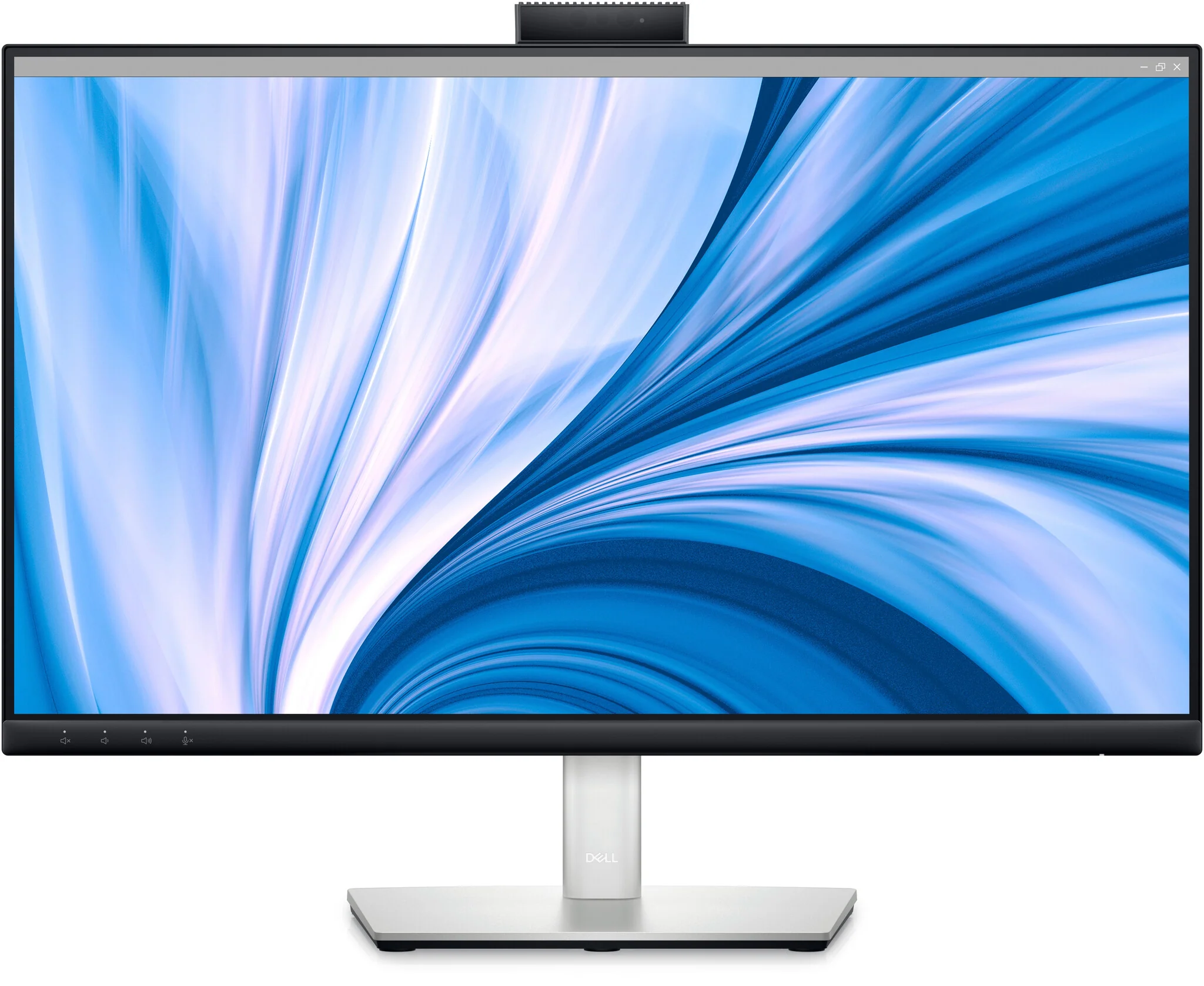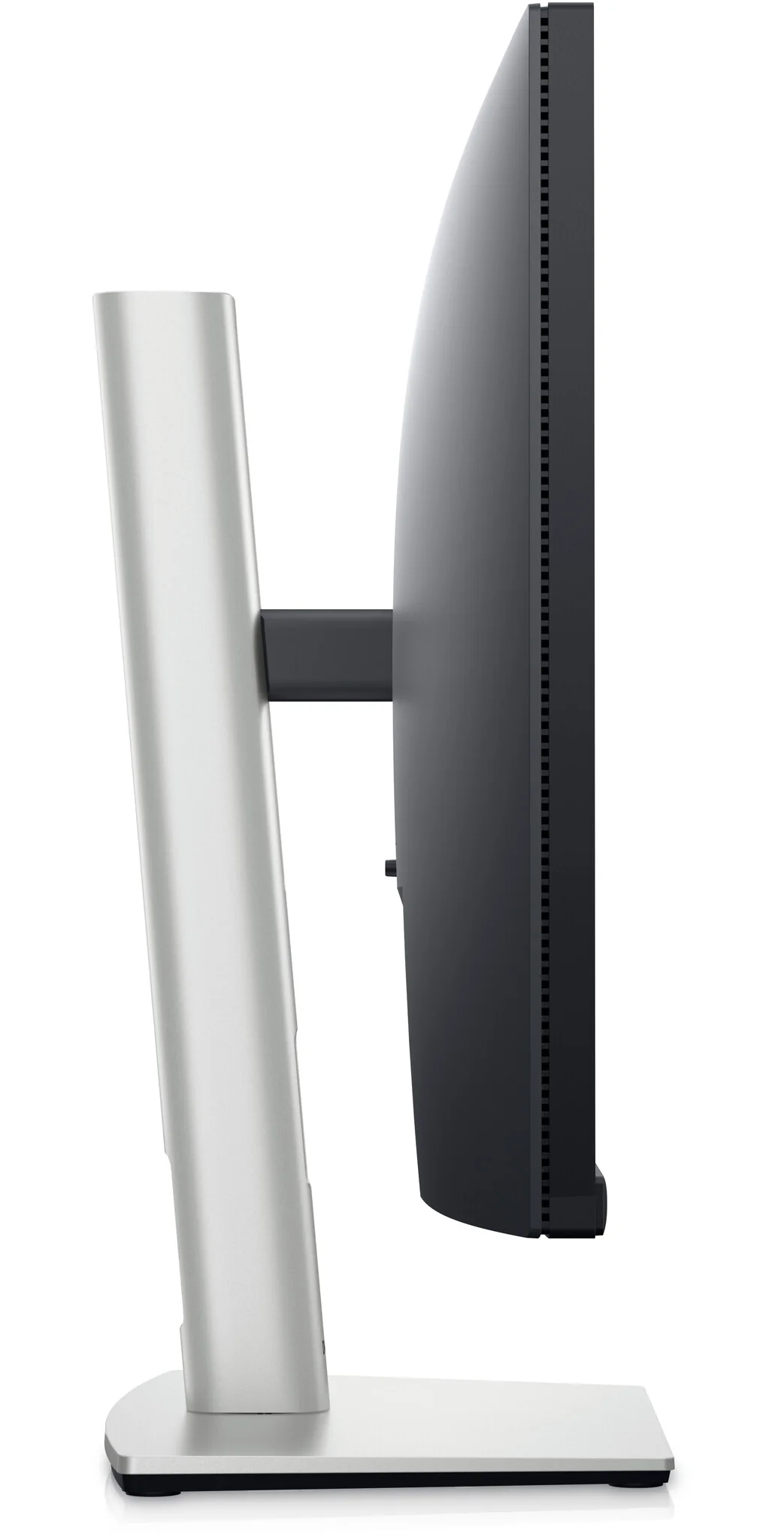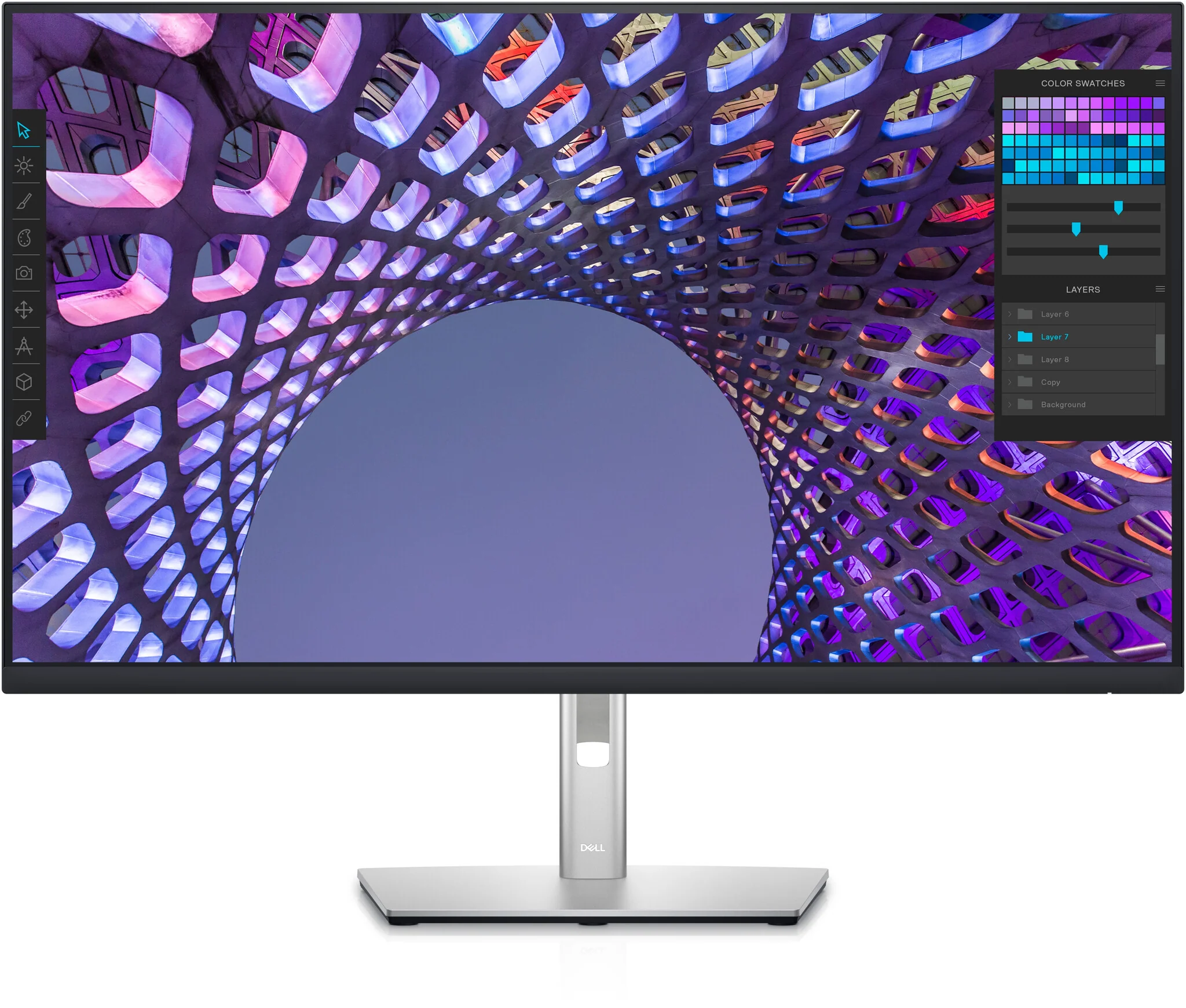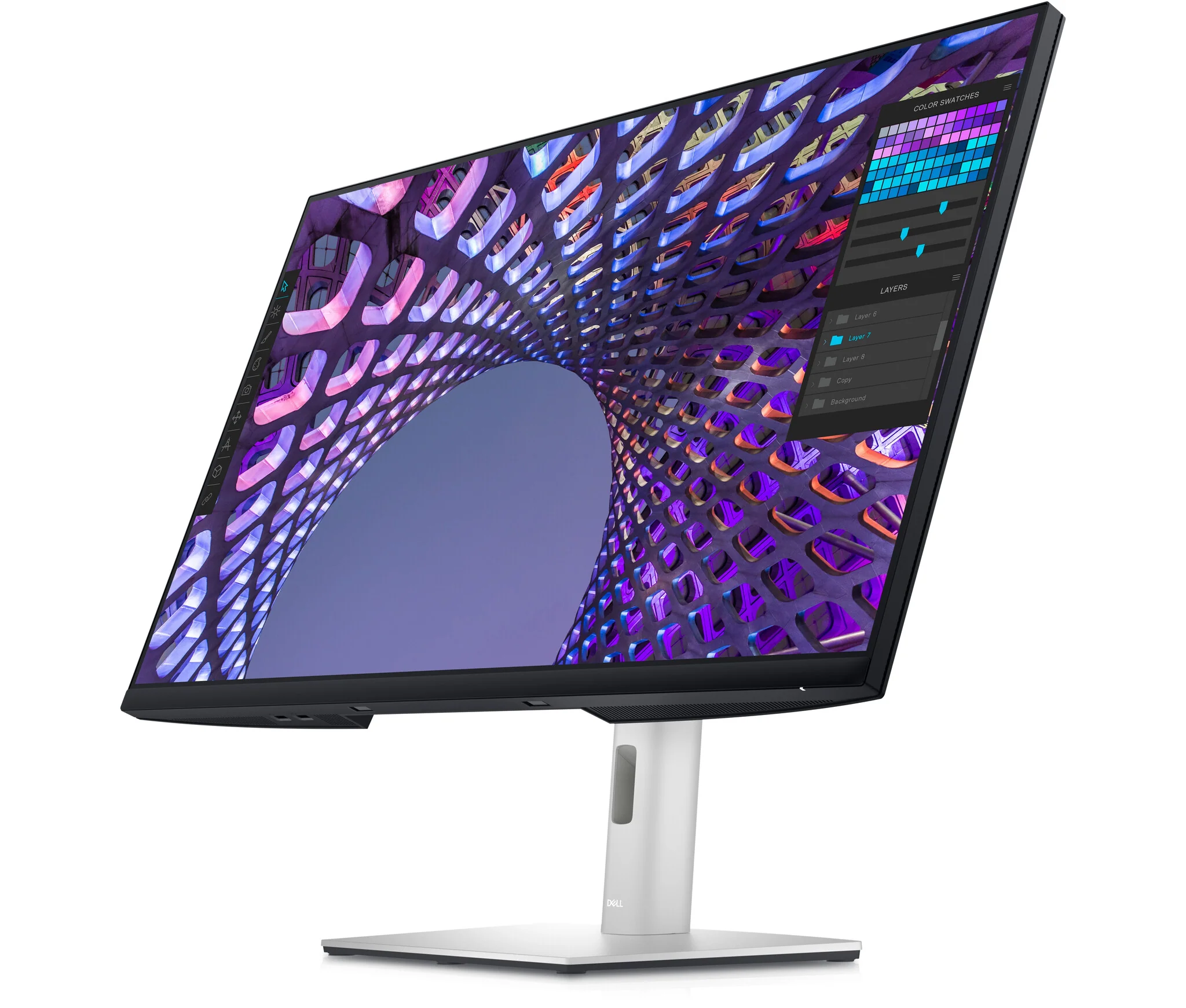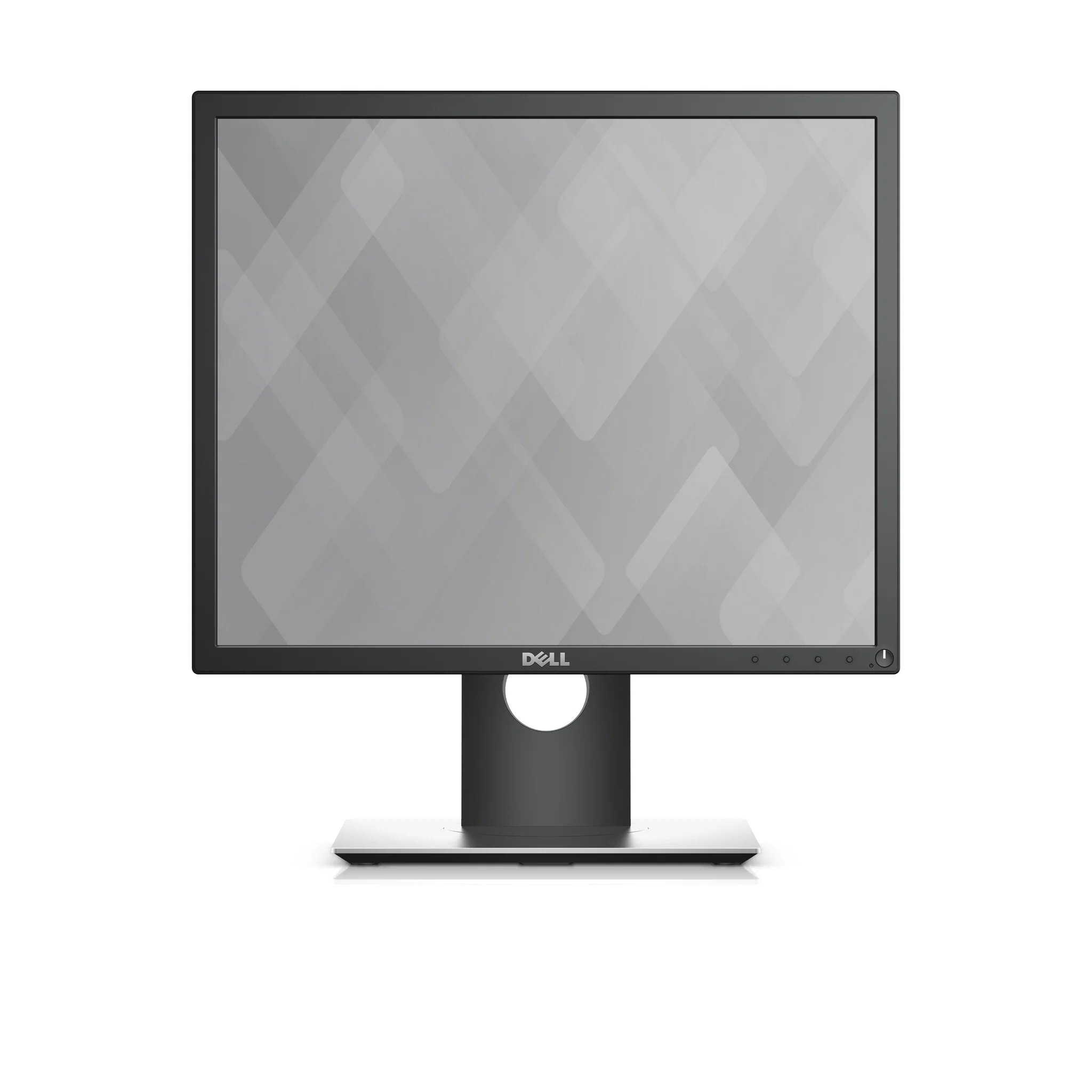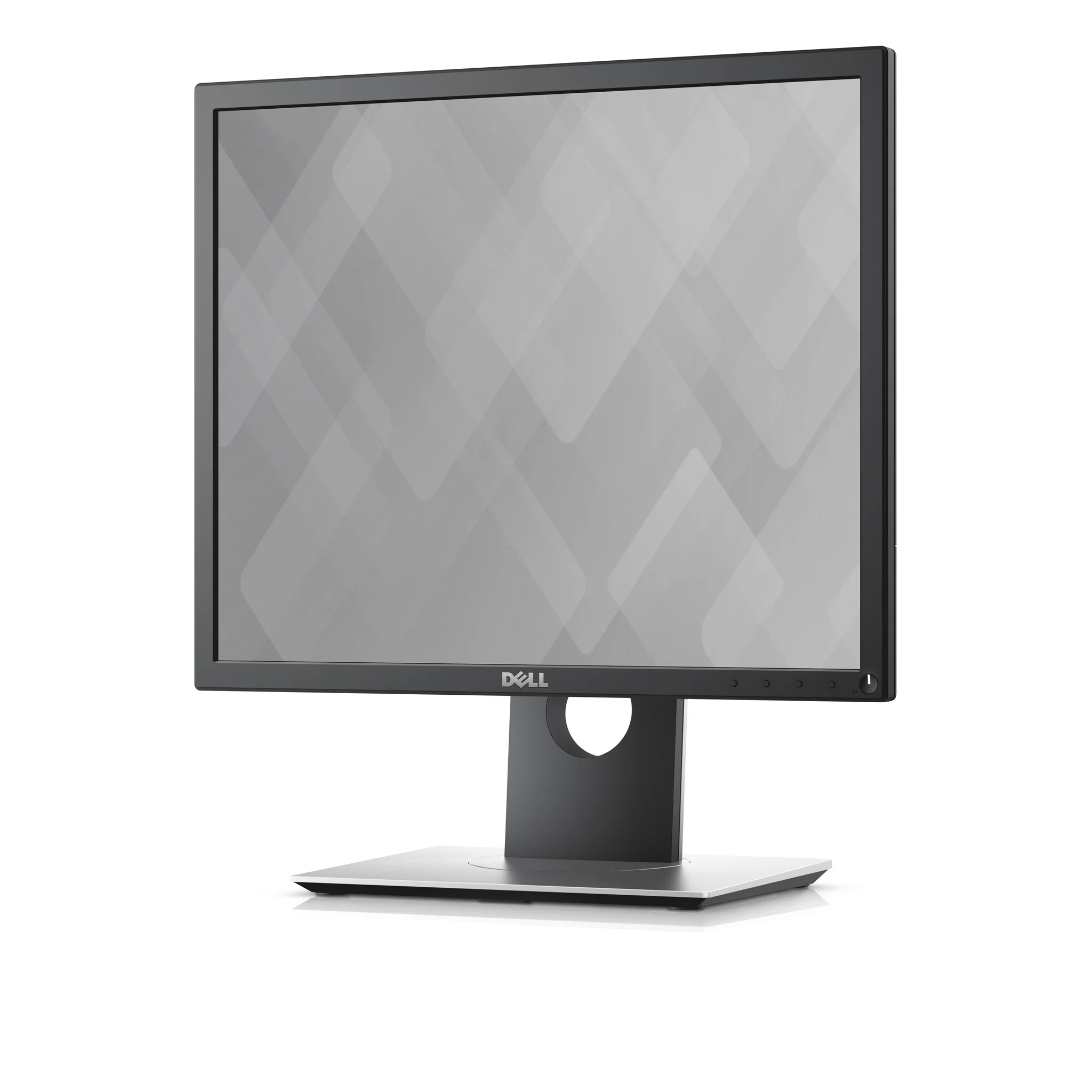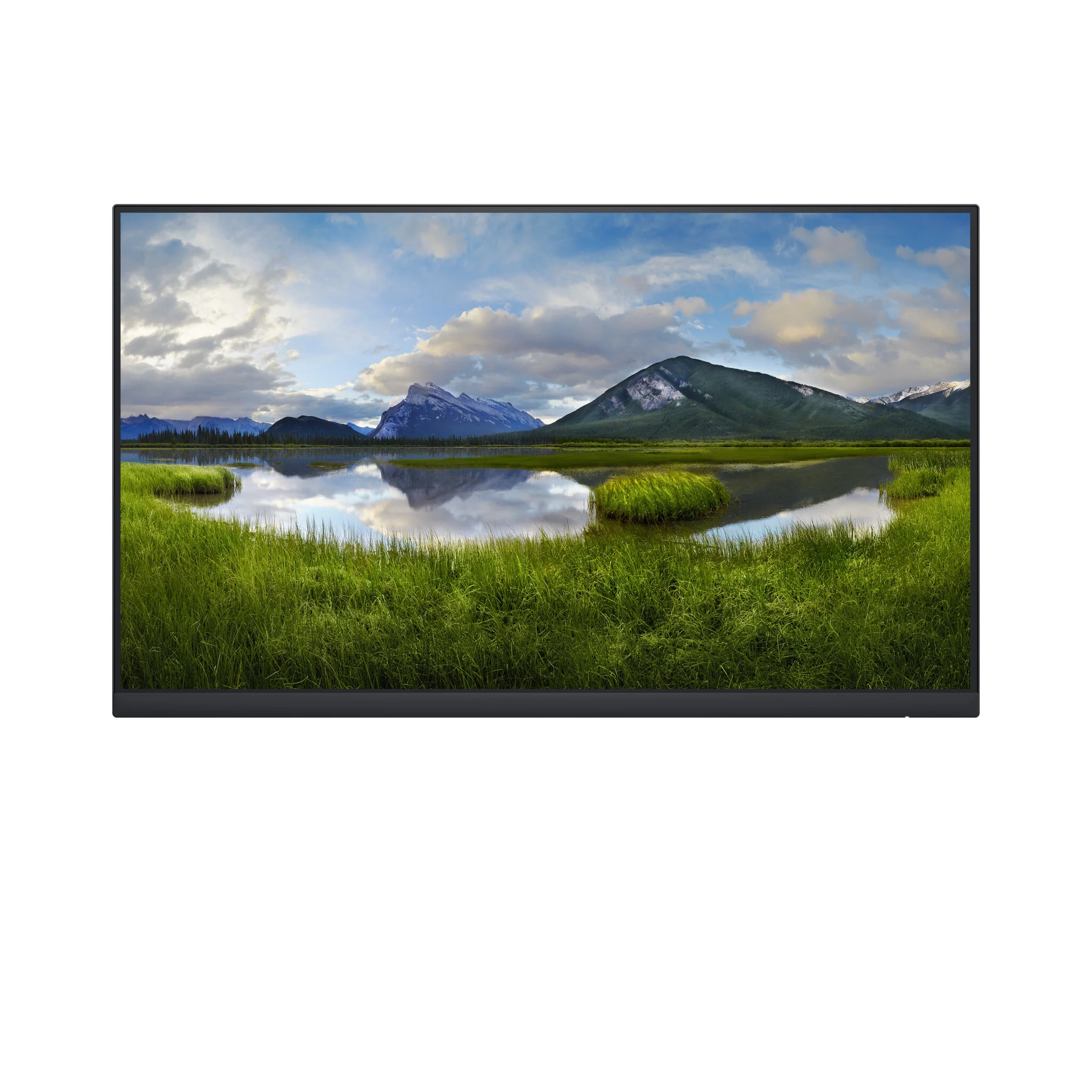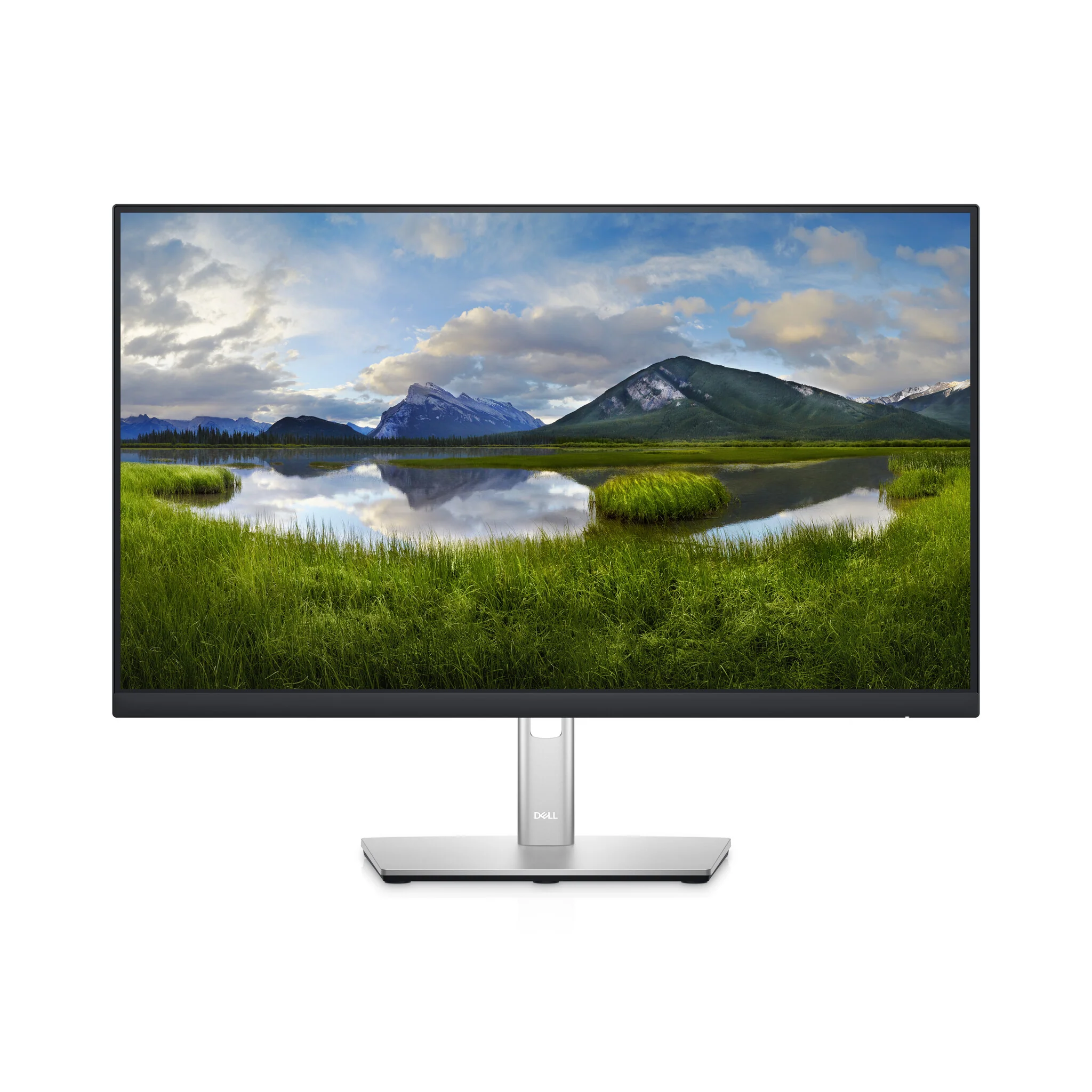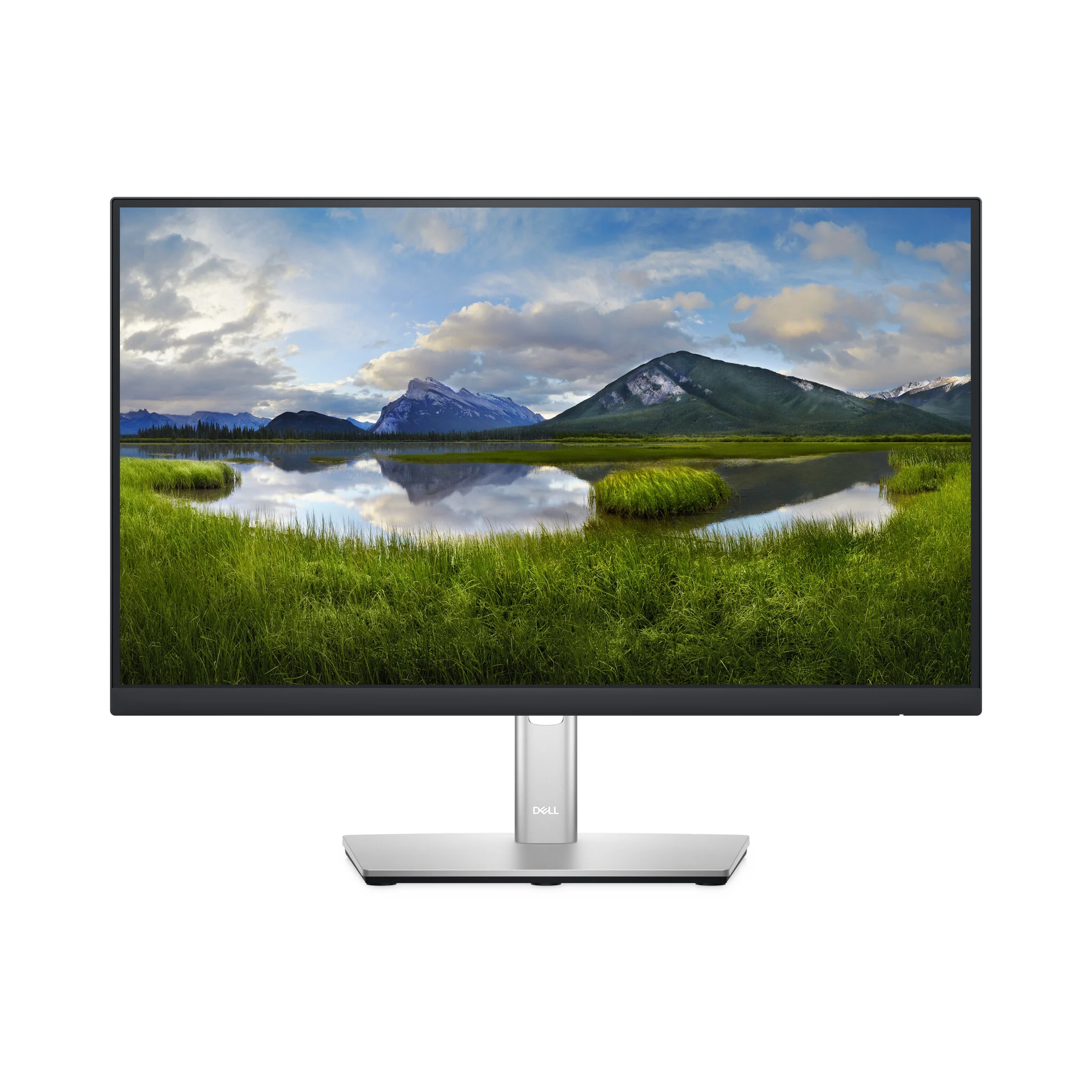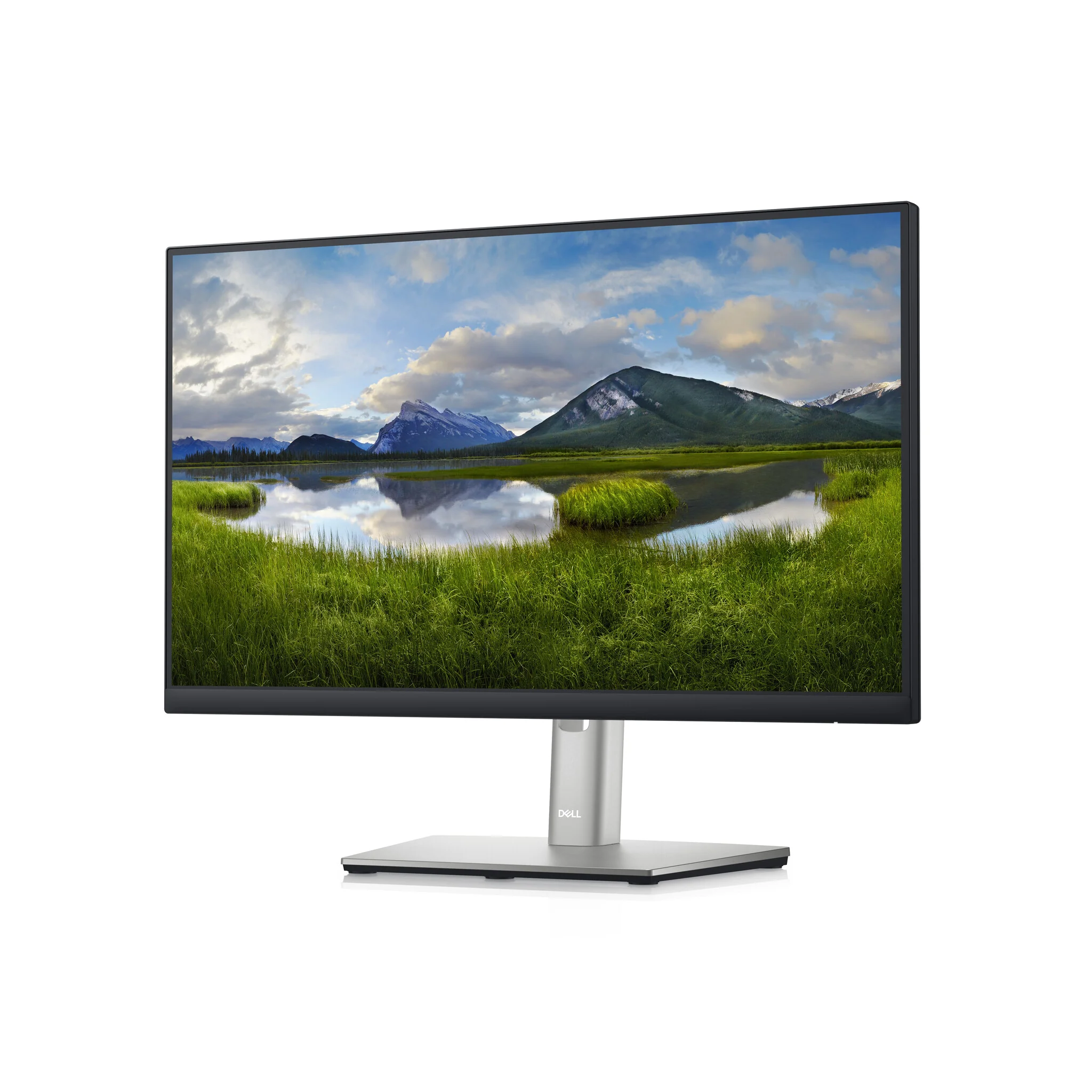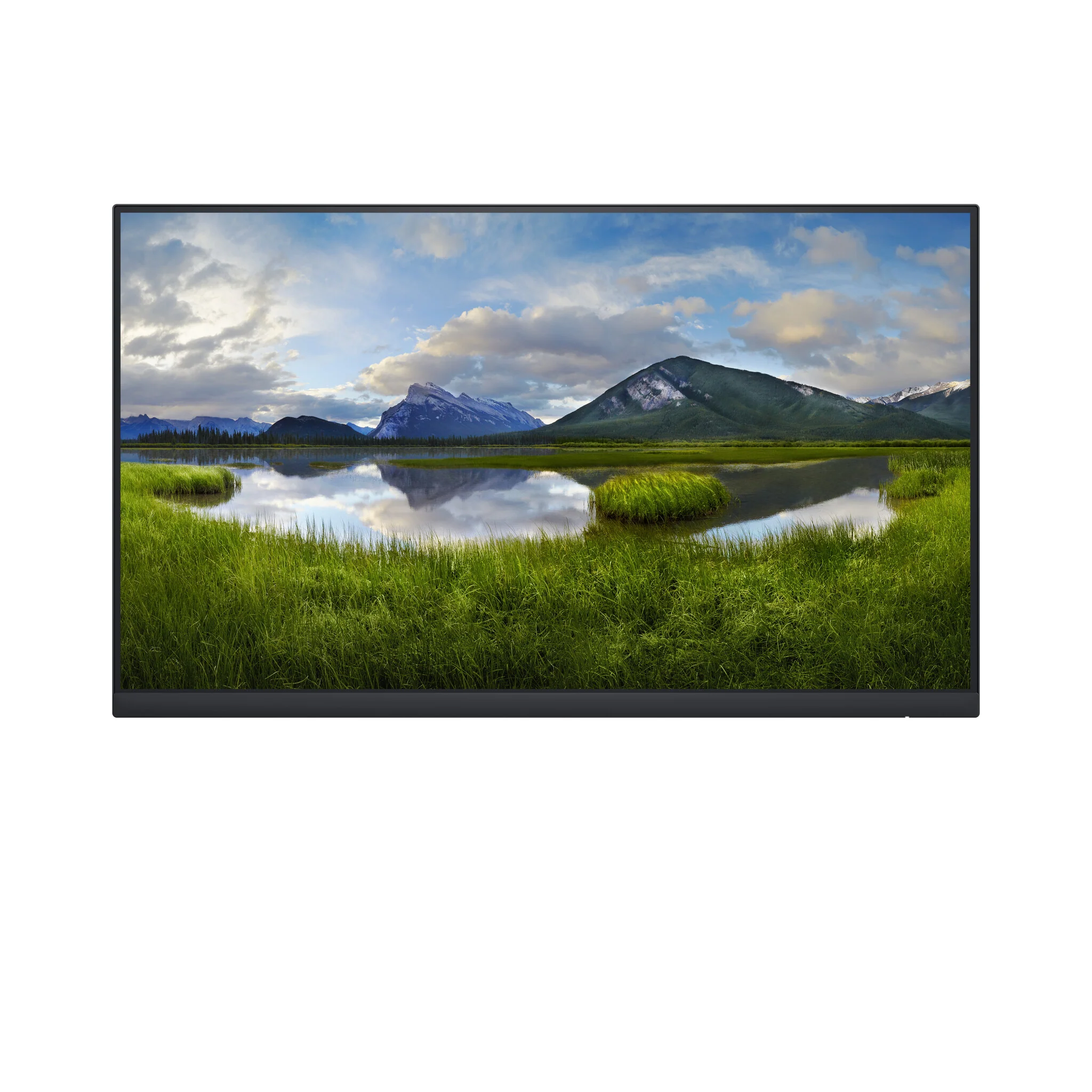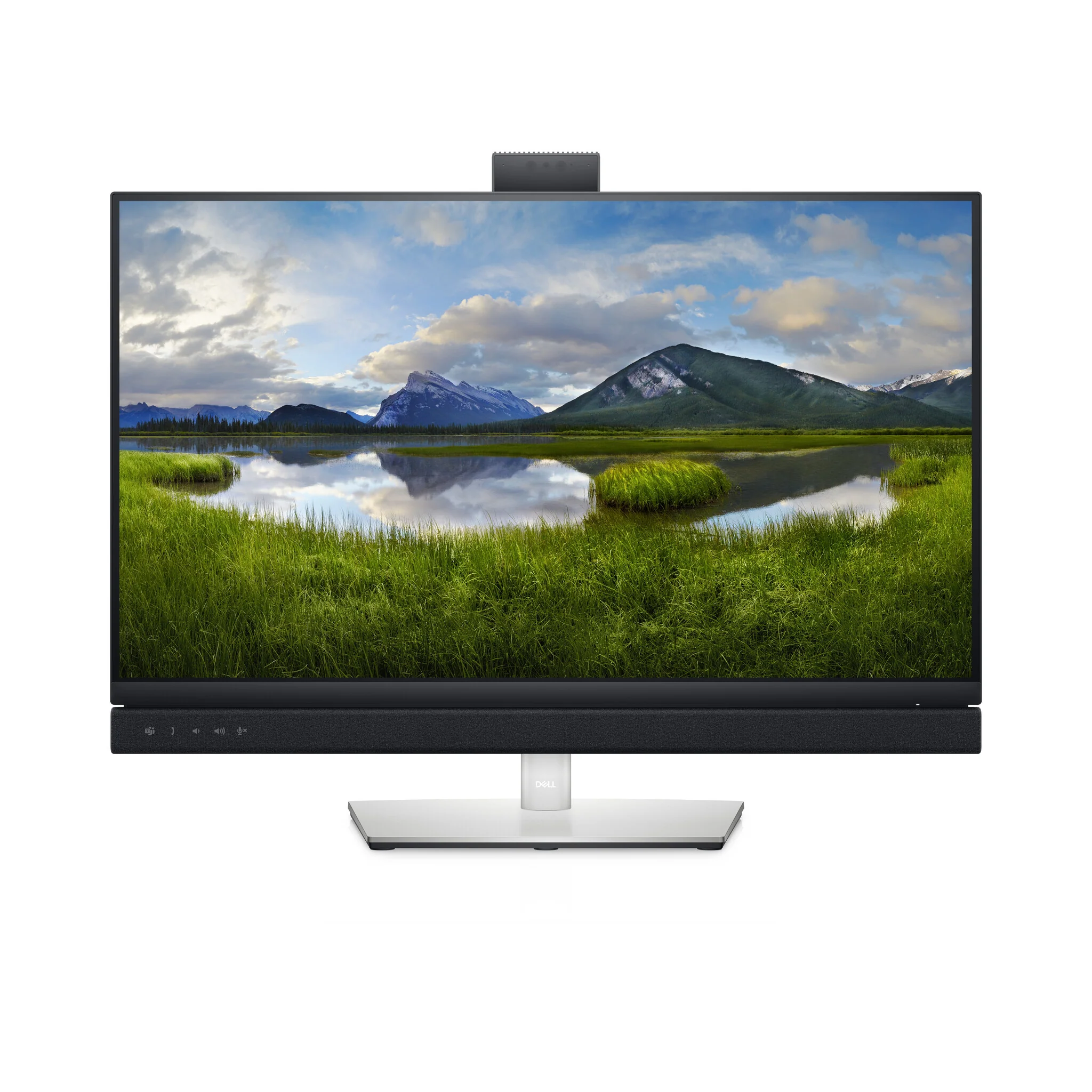
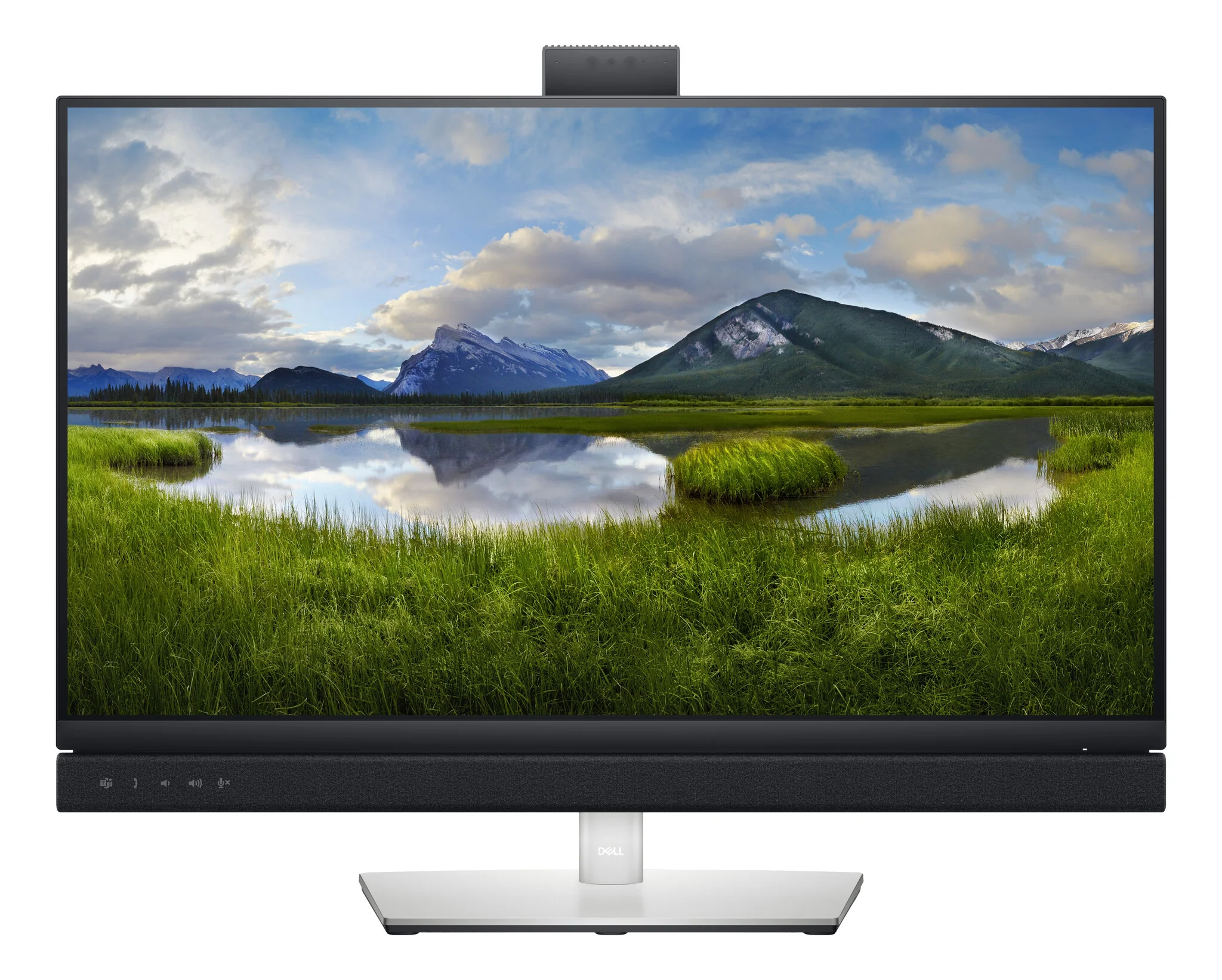
DELL C Series C2722DE - 68.6 cm (27") - 2560 x 1440 pixels Quad HD LCD Monitor
Team up. Seamlessly.
One button. Tons of benefits
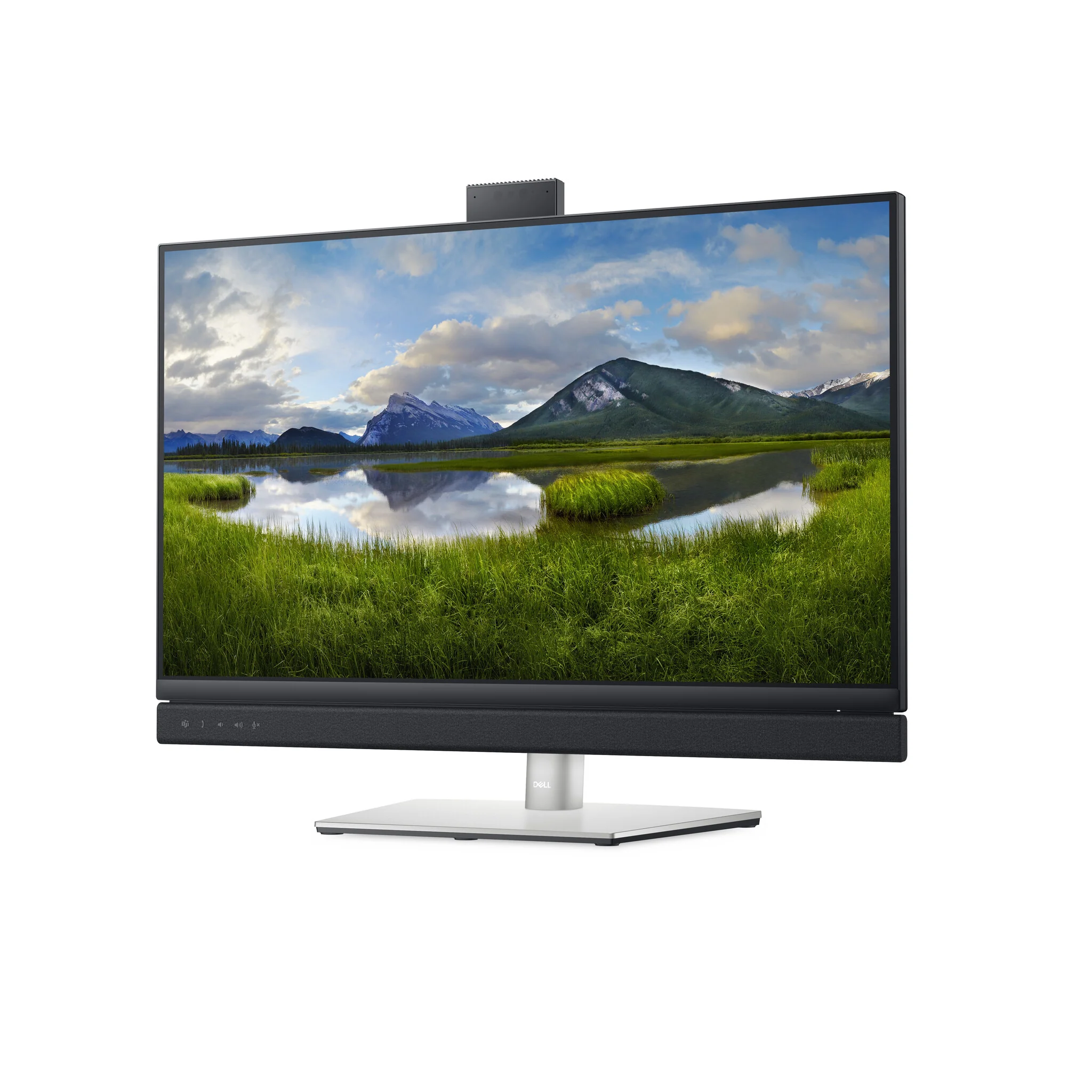
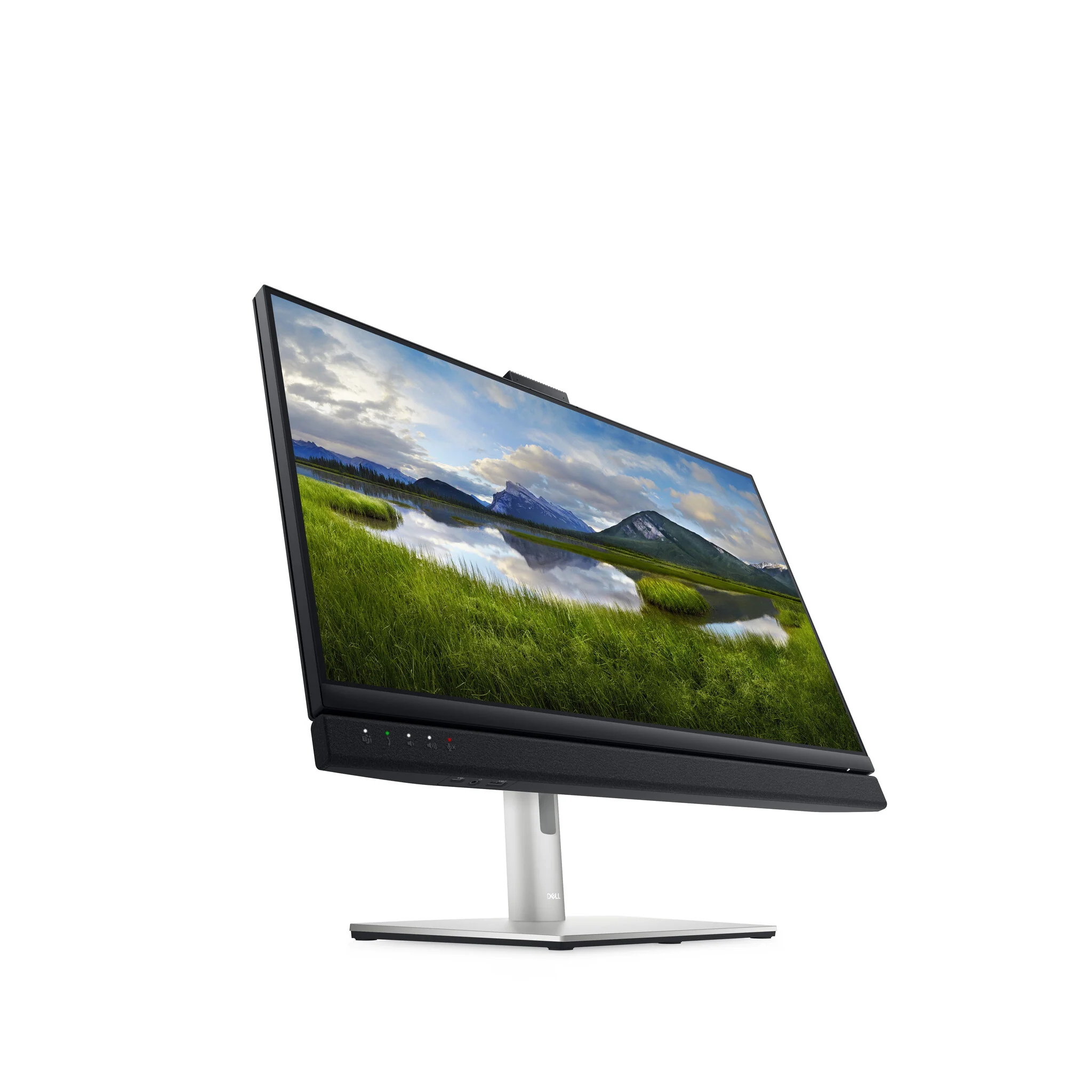
Introducing the world’s first 27-inch QHD video conferencing monitor certified for Microsoft Teams, purpose-built so you can launch the Teams application, join meetings and respond to notifications with a press of a button. Plus, there is an LED indicator to notify you about a Teams alert.
Collaborate like you’re there
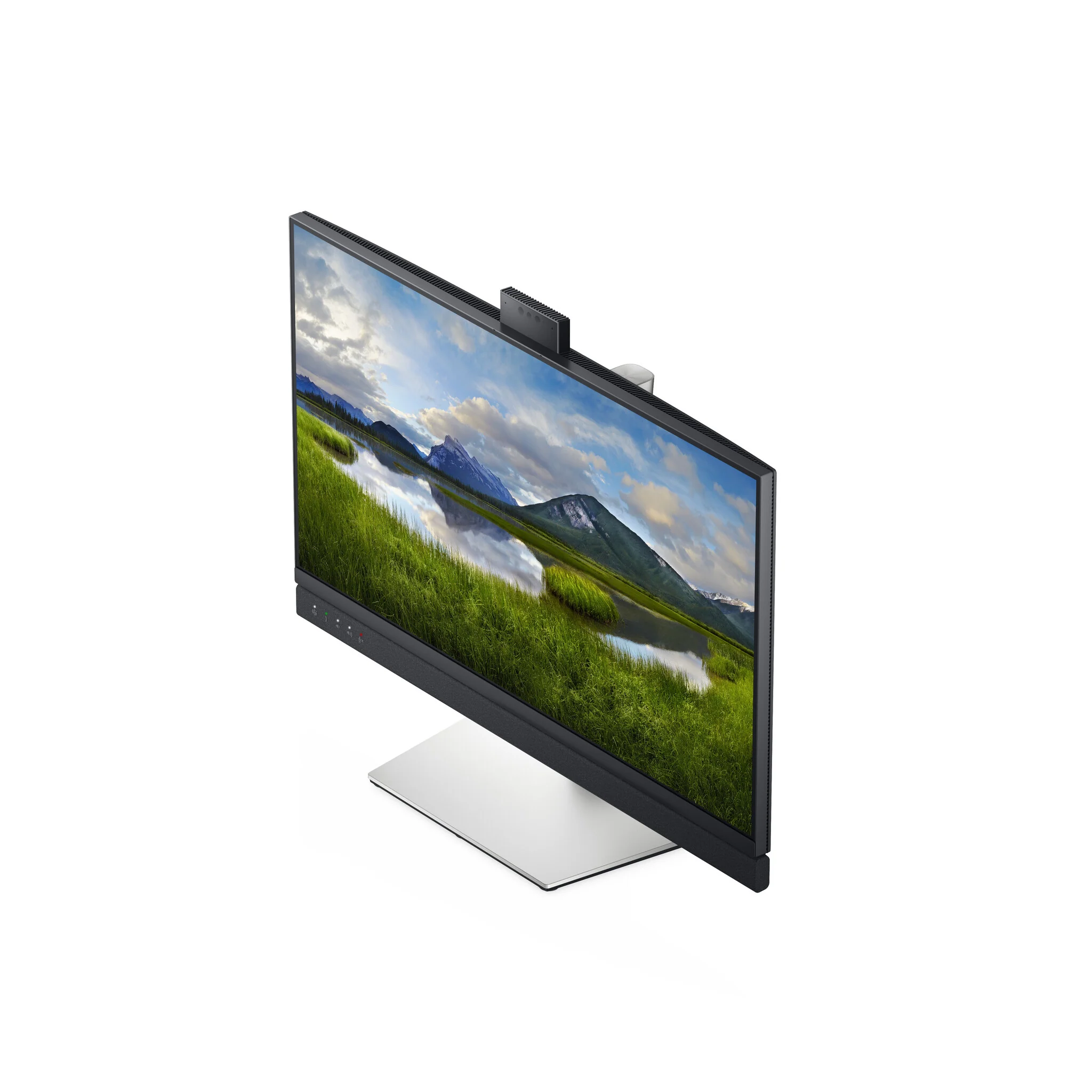
With the high definition 5MP IR camera, dual 5W integrated speakers and noise-canceling mic, you can feel in-person even while you’re remote.
Quick, safe protection
Save time signing in with secure, Windows Hello facial recognition that’s faster than remembering and typing your password.
Personalized convenience
Say what you need and let Cortana do the rest with hands-free commands.
Jumpstart productivity
Simply press the monitor power button and the power sync feature seamlessly starts your monitor and connected Dell PC, even when the laptop lid is closed. Compatible with select Dell PCs.
World-class video conferencing
Immersive collaboration
Collaborate like you’re there. Razor-sharp video clarity of the pop-up 5MP IR camera gives you more than twice the details and zoom of a 2MP on a wide, beautiful screen. Dual 5W integrated speakers deliver clear, vibrant communication from any workspace quashing background chatter with noise-cancelling microphone.
Enhanced security
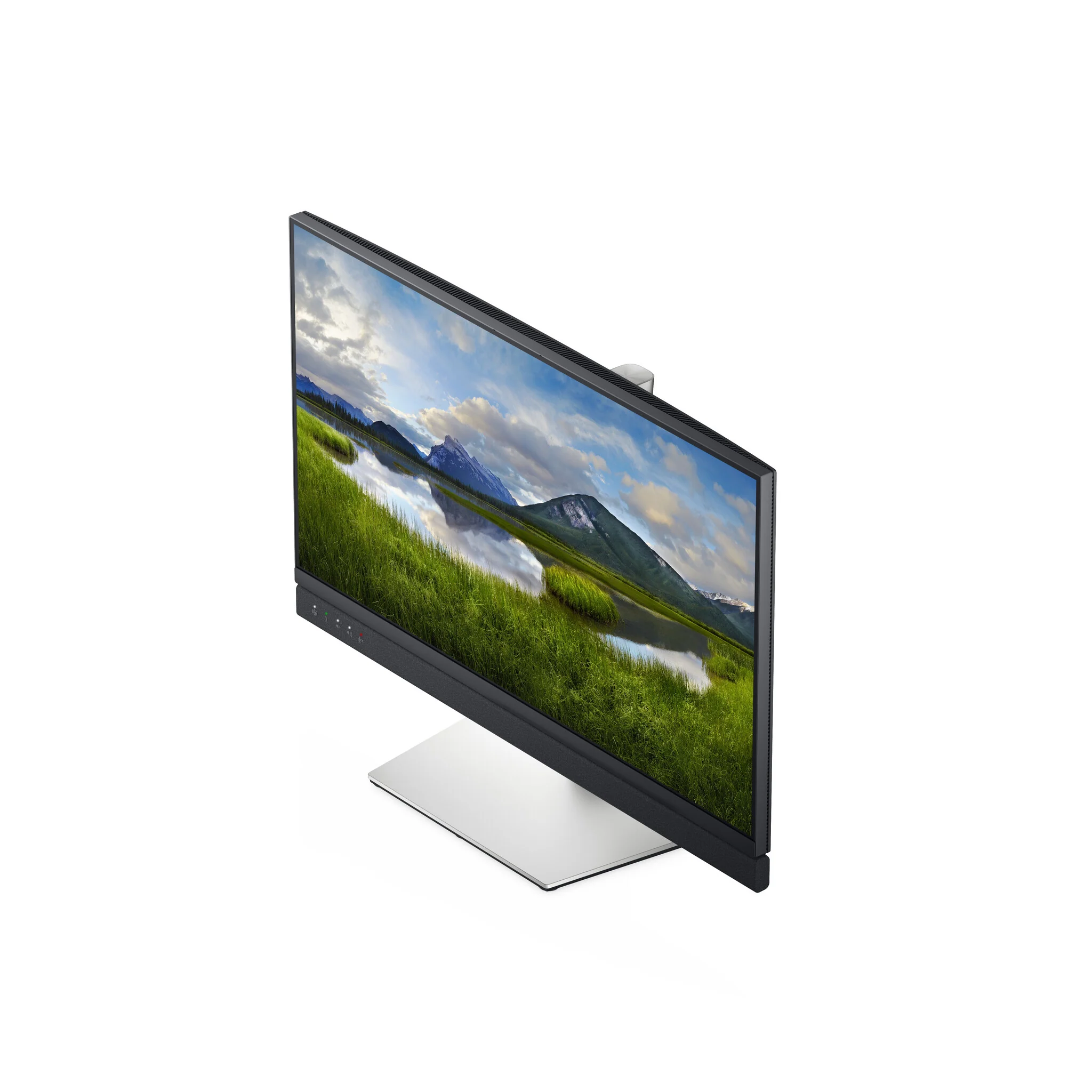
The pop-up web camera hides safely out of sight when not in use, and there’s an intelligent layer of security with facial recognition through Windows Hello.
Seamless video from all angles
FHD video with 30 frames per second rate delivers seamless, media-quality video and stunning screen clarity. The 178°/178° wide viewing angle presents superior views and consistent colors ideal for video conferencing.
Your productivity hub
Connect to productivity
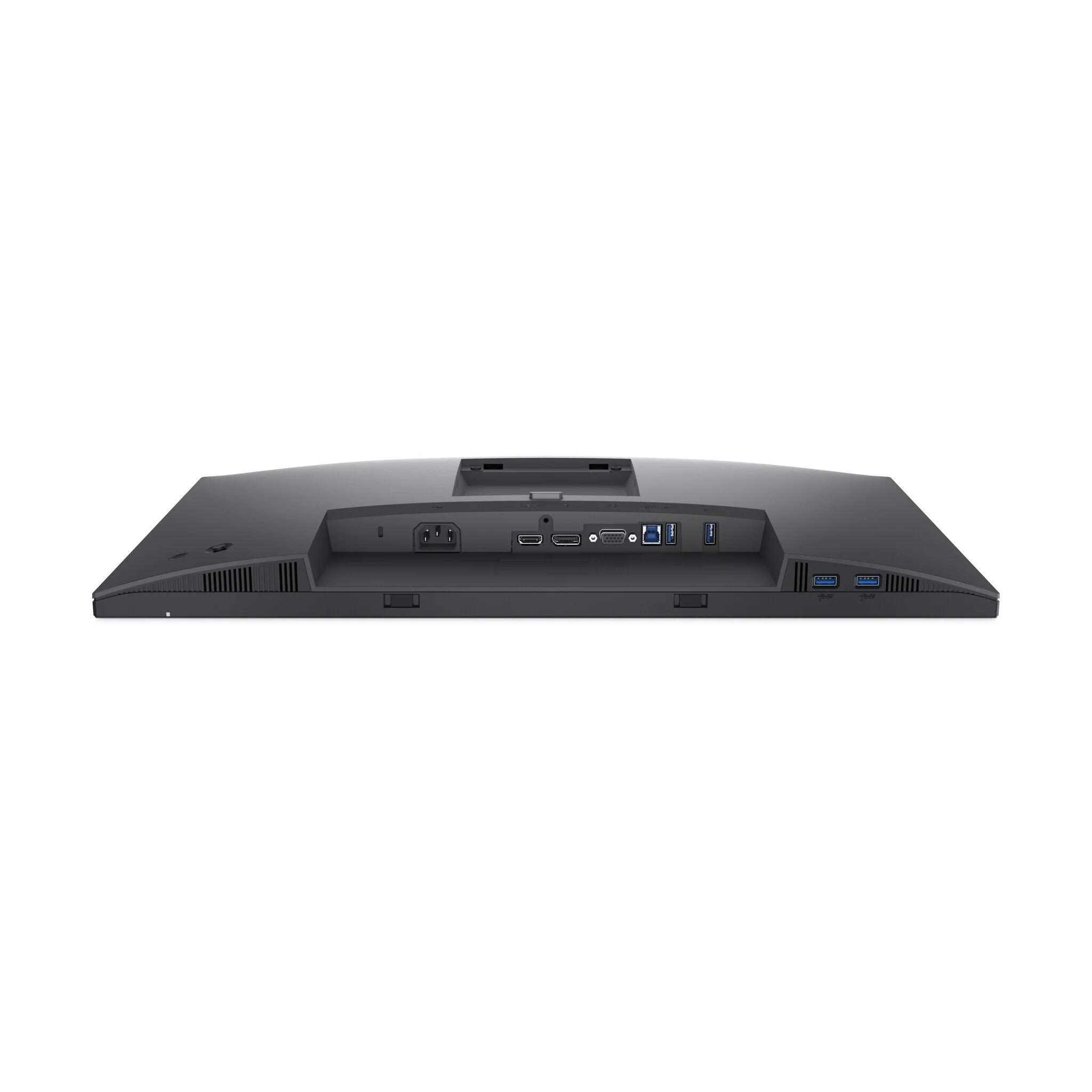
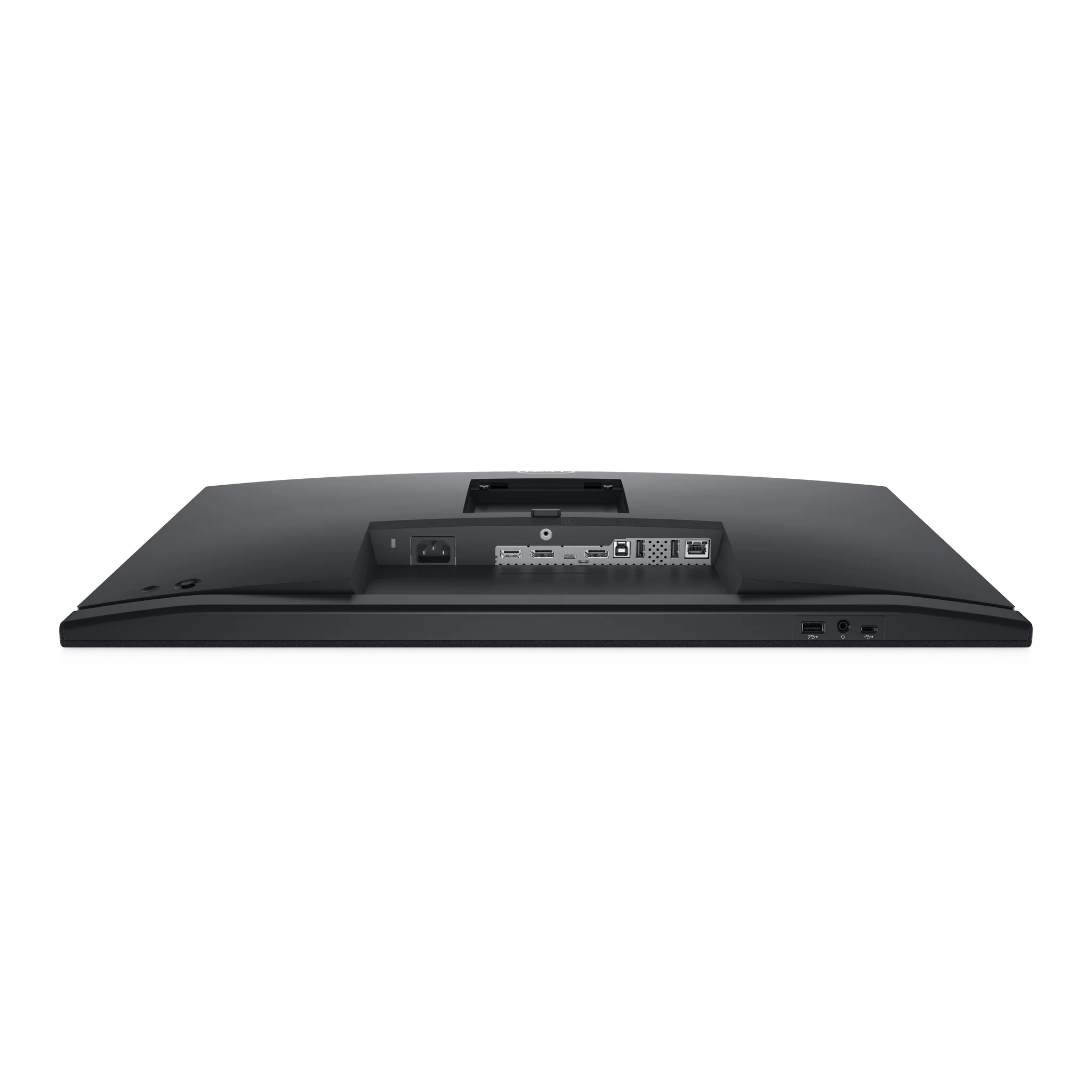
With wired connectivity options like RJ45 and USB-C®, your monitor delivers reliable Ethernet, power, audio and video—all in a clutter-free setup.
The power of USB-C
Get up to 90W of power delivery via USB-C, and charge your laptop (even when the monitor is off) with the Always On Power Delivery feature. This single-cable solution also saves up to 72% of workspace setup time, reduces cable clutter and transmits power, data and audio—all at once.
Quick convenience
Plug in whatever you need and keep it in reach with the two, super speed USB 5Gbps (USB 3.2 Gen1) quick-access ports. There’s even space to charge your mobile phone (up to 15W power charging) with the USB-C quick-access port.
Enhanced manageability
Managing your monitor is easy with MAC Address pass-through, PXE Boot, and Wake-on-LAN conveniently built in.
Multitask efficiently
Connect two PC sources to the monitor—our intelligent Auto KVM feature detects the second connected PC and seamlessly switches controls over. KVM (keyboard, video and mouse) allows you to control both PCs with a single keyboard and mouse. Plus, you can enhance efficiency by 21% by adding a second monitor via the daisy chain feature.
Collaborate in comfort
Crafted for eye wellness
ComfortView Plus is an always-on, built-in low blue light screen that optimizes eye comfort by reducing potentially harmful blue light emissions while delivering excellent color accuracy.
Designed with you in mind
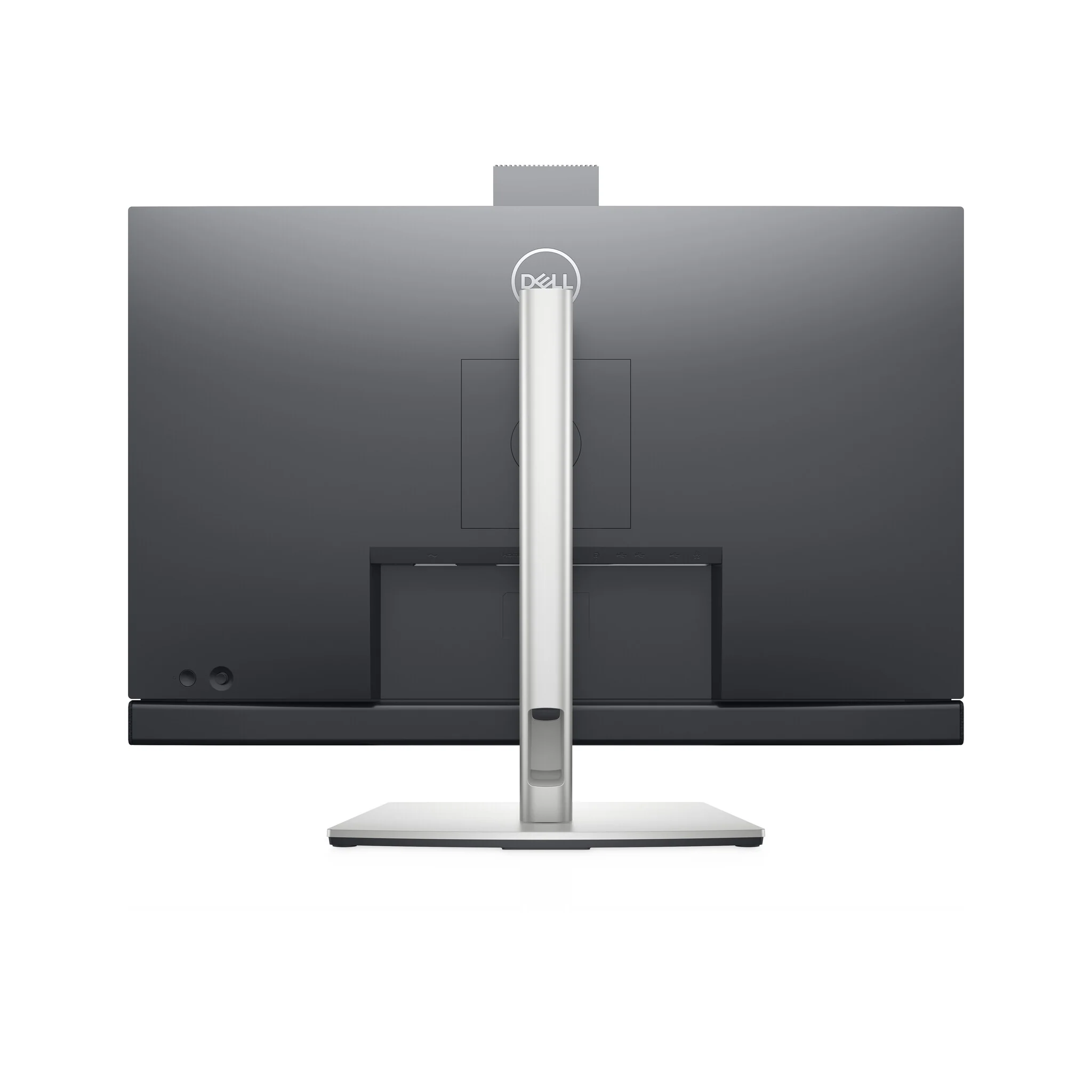
Navigate the menu and adjust screen settings with the easy-to-use joystick control.
Beauty meets function
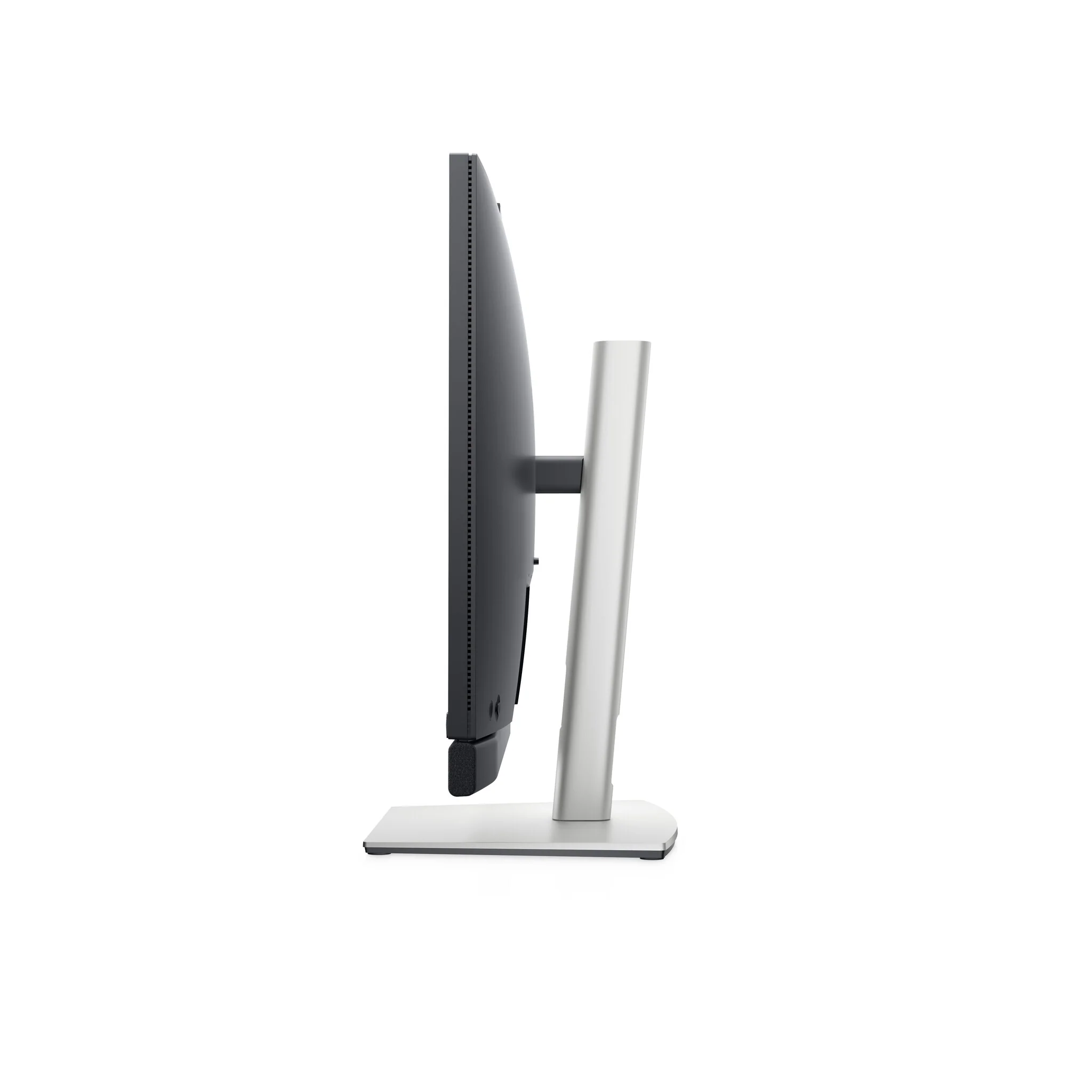
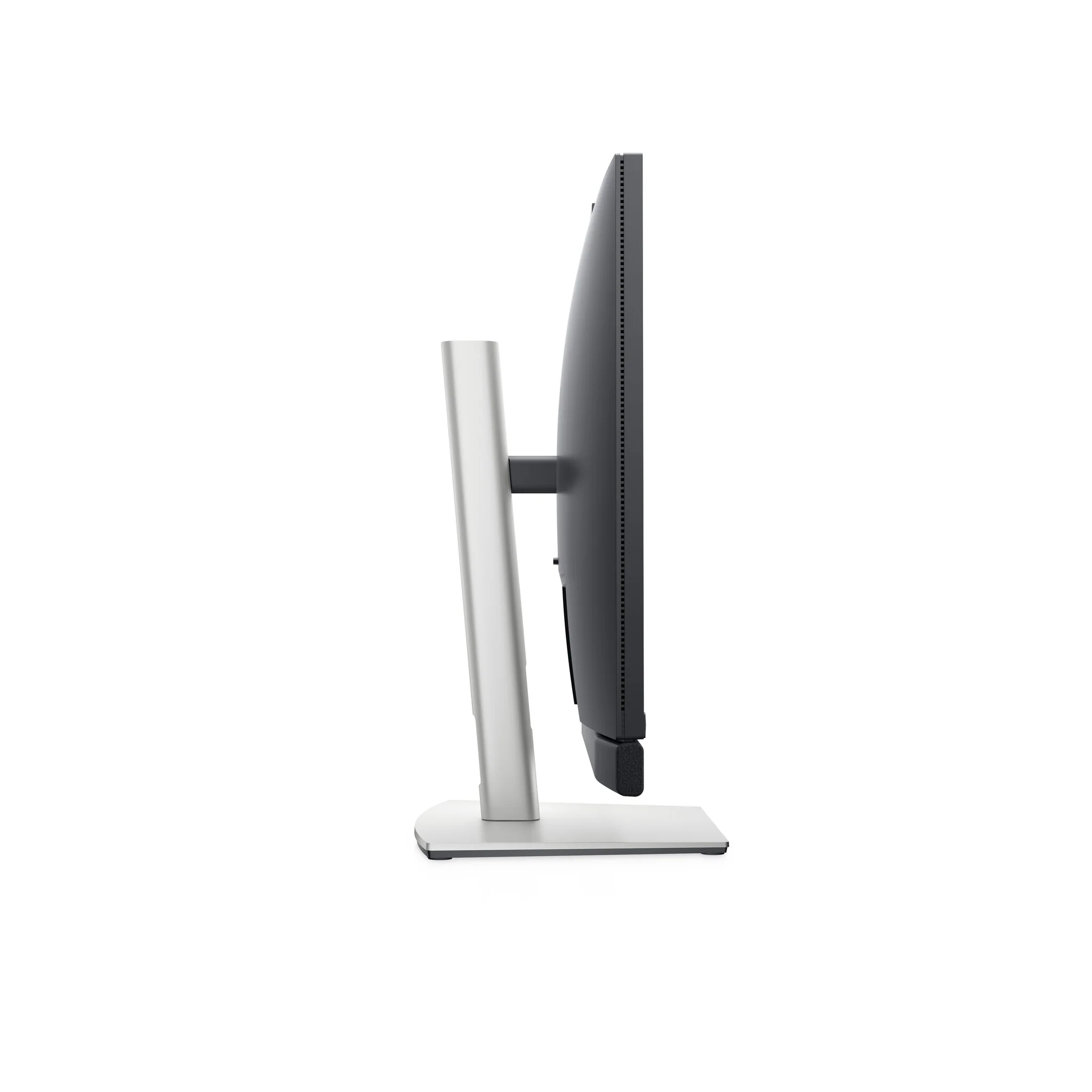
This sleek monitor features a small base and an improved cable management design that hides cables in the monitor riser, for a clutter-free desk space at your office or home office.
Comfort is key
Tilt, swivel, pivot and adjust the height of your monitor to a maximum of 120mm because you should be comfortable however and wherever you work.
Dell Display Manager
Productive at every level
Easy Arrange allows you to easily tile multiple applications across one or more screens with 38 pre-set window partitions and the ability to personalize up to five windows, giving you improved multitasking abilities.
Seamless transitions
The auto-restore feature remembers where you left off, so applications will go back to where you left them, even after you’ve unplugged.
More ways to manage
Asset management reports allow IT managers to quickly capture and track monitor information as well as configure multiple monitors at once through a single setup.
The key to convenience
Shortcut keys can save you even more time, letting you easily configure your display management settings so you can get to work faster.
Expanded compatibility
With support for multiple operating systems, Dell Display Manager helps you stay productive however you work.
Green thinking, for today and tomorrow
Environmental standards
This monitor meets the latest regulatory and environmental standards such as EnergyStar®, EPEAT® Gold, RoHS Compliant and TCO-Certified Display.
Eco-conscious packaging
To reduce our manufacturing impact on the environment, this monitor is shipped Styrofoam-free and the packaging is made of at least 75% recycled cardboard.
Energy conservation
Save energy when your monitor is not in use with PowerNap, a feature that dims or puts your monitor to sleep when it’s not in use.
A brand you can rely on
As the No. 1 monitor company worldwide for seven consecutive years (2013 to 2020), we take pride in our unyielding commitment to quality and the utmost satisfaction of our customers.
| Display | |
|---|---|
| sRGB coverage (typical) | 99% |
| High Dynamic Range (HDR) supported | No |
| Display diagonal (metric) | 68.47 cm |
| Viewable size, vertical | 33.6 cm |
| Viewable size, horizontal | 59.7 cm |
| Vertical scan range | 56 - 76 Hz |
| Horizontal scan range | 30 - 90 kHz |
| Pixel density | 108.79 ppi |
| Pixel pitch | 0.2331 x 0.2331 mm |
| Response time (fast) | 6 ms |
| Display number of colours | 16.78 million colours |
| Viewing angle, vertical | 178° |
| Viewing angle, horizontal | 178° |
| Maximum refresh rate | 60 Hz |
| Contrast ratio (typical) | 1000:1 |
| Supported video modes | 480i, 480p, 576i, 720p, 1080i, 1080p |
| Supported graphics resolutions | 2560 x 1440 |
| Screen shape | Flat |
| Anti-glare screen | Yes |
| Response time | 8 ms |
| Display brightness (typical) | 350 cd/m² |
| Backlight type | LED |
| Panel type | IPS |
| HD type | Quad HD |
| Touchscreen | No |
| Display technology | LCD |
| Native aspect ratio | 16:9 |
| Display resolution | 2560 x 1440 pixels |
| Display diagonal | 68.6 cm (27") |
| Performance | |
|---|---|
| Low Blue Light technology | Yes |
| Flicker-free technology | Yes |
| AMD FreeSync | No |
| NVIDIA G-SYNC | No |
| Multimedia | |
|---|---|
| Built-in microphone | Yes |
| Megapixel (approx.) | 5 MP |
| RMS rated power | 10 W |
| Number of speakers | 2 |
| Built-in camera | Yes |
| Built-in speaker(s) | Yes |
| Design | |
|---|---|
| Heavy metals free | Hg (mercury) |
| Feet colour | Silver |
| Detachable stand | Yes |
| Front bezel colour | Black |
| Product colour | Black |
| Market positioning | Home |
| Ports & interfaces | |
|---|---|
| AC (power) in | Yes |
| HDCP | Yes |
| Headphone connectivity | 3.5 mm |
| Headphone outputs | 1 |
| Headphone out | No |
| Audio input | No |
| DisplayPort version | 1.2 |
| DisplayPorts quantity | 1 |
| HDMI version | 1.4 |
| HDMI ports quantity | 1 |
| HDMI | Yes |
| DVI port | No |
| USB Power Delivery up to | 90 W |
| USB Type-C DisplayPort Alternate Mode | Yes |
| USB Type-C downstream ports quantity | 1 |
| USB Type-A downstream ports quantity | 3 |
| Number of USB Type-C upstream ports quantity | 1 |
| Number of USB Type-B upstream ports quantity | 1 |
| Number of upstream ports | 2 |
| USB upstream port type | USB Type-C |
| USB hub version | 3.2 Gen 1 (3.1 Gen 1) |
| Built-in USB hub | Yes |
| Network | |
|---|---|
| Wi-Fi | No |
| Ergonomics | |
|---|---|
| Tilt adjustment | Yes |
| LED indicators | Yes |
| On Screen Display (OSD) | Yes |
| Tilt angle range | -5 - 21° |
| Swivel angle range | -45 - 45° |
| Swivelling | Yes |
| Pivot angle | -90 - 90° |
| Pivot | Yes |
| Height adjustment | 12 cm |
| Height adjustment | Yes |
| Cable lock slot | Yes |
| Panel mounting interface | 100 x 100 mm |
| VESA mounting | Yes |
| Power | |
|---|---|
| Energy efficiency scale | A to G |
| Power supply type | Internal |
| AC input frequency | 50 - 60 Hz |
| AC input voltage | 100 - 240 V |
| Power consumption (off) | 0.2 W |
| Power consumption (max) | 210 W |
| Power consumption (standby) | 0.3 W |
| Power consumption (typical) | 22.8 W |
| Energy consumption (SDR) per 1000 hours | 23 kWh |
| Energy efficiency class (HDR) | Not available |
| Energy efficiency class (SDR) | F |
| Operational conditions | |
|---|---|
| Non-operating altitude | 5000 - 12192 m |
| Operating altitude | 0 - 5000 m |
| Storage relative humidity (H-H) | 5 - 90% |
| Operating relative humidity (H-H) | 10 - 80% |
| Storage temperature (T-T) | -20 - 60 °C |
| Operating temperature (T-T) | 0 - 40 °C |
| Packaging content | |
|---|---|
| DisplayPort cable length | 1.8 m |
| Quick start guide | Yes |
| Cables included | AC, DisplayPort, USB Type-A to USB Type-B, USB Type-C to USB Type-C |
| Stand included | Yes |
| Weight & dimensions | |
|---|---|
| Bezel width (bottom) | 5.2 cm |
| Bezel width (top) | 7.8 mm |
| Bezel width (side) | 7.8 mm |
| Weight (without stand) | 5.74 kg |
| Height (without stand) | 425.4 mm |
| Depth (without stand) | 53.9 mm |
| Width (without stand) | 612.3 mm |
| Weight (with stand) | 8.8 kg |
| Height (with stand) | 565.6 mm |
| Depth (with stand) | 230 mm |
| Width (with stand) | 612.3 mm |
| Packaging data | |
|---|---|
| USB cable length | 1.8 m |
| Package weight | 12.6 kg |
| Sustainability | |
|---|---|
| European Product Registry for Energy Labelling (EPREL) code | 394149 |
| Doesn't contain | PVC/BFR |
| Sustainability certificates | ENERGY STAR, RoHS |
| General | |
|---|---|
| Product Family | C Series |
| Carbon footprint | |
|---|---|
| Carbon emissions (Manufacturing) | 402 kg of CO2e |
| Carbon emissions (Logistics) | 68 kg of CO2e |
| Carbon emissions (Use) | 169 kg of CO2e |
| Carbon emissions (End-of-Life) | 4 kg of CO2e |
| Total carbon emissions (w/o Use phase) | 473 kg of CO2e |
| Total carbon footprint | 642 kg of CO2e |
| Total carbon emissions (Standard deviation) | 108 kg of CO2e |
| Logistics data | |
|---|---|
| Harmonized System (HS) code | 85285210 |
| Other features | |
|---|---|
| Ethernet LAN (RJ-45) ports | 1 |
Original: $637.81
-65%$637.81
$223.23More Images
DELL C Series C2722DE - 68.6 cm (27") - 2560 x 1440 pixels Quad HD LCD Monitor
Team up. Seamlessly.
One button. Tons of benefits
Introducing the world’s first 27-inch QHD video conferencing monitor certified for Microsoft Teams, purpose-built so you can launch the Teams application, join meetings and respond to notifications with a press of a button. Plus, there is an LED indicator to notify you about a Teams alert.
Collaborate like you’re there
With the high definition 5MP IR camera, dual 5W integrated speakers and noise-canceling mic, you can feel in-person even while you’re remote.
Quick, safe protection
Save time signing in with secure, Windows Hello facial recognition that’s faster than remembering and typing your password.
Personalized convenience
Say what you need and let Cortana do the rest with hands-free commands.
Jumpstart productivity
Simply press the monitor power button and the power sync feature seamlessly starts your monitor and connected Dell PC, even when the laptop lid is closed. Compatible with select Dell PCs.
World-class video conferencing
Immersive collaboration
Collaborate like you’re there. Razor-sharp video clarity of the pop-up 5MP IR camera gives you more than twice the details and zoom of a 2MP on a wide, beautiful screen. Dual 5W integrated speakers deliver clear, vibrant communication from any workspace quashing background chatter with noise-cancelling microphone.
Enhanced security
The pop-up web camera hides safely out of sight when not in use, and there’s an intelligent layer of security with facial recognition through Windows Hello.
Seamless video from all angles
FHD video with 30 frames per second rate delivers seamless, media-quality video and stunning screen clarity. The 178°/178° wide viewing angle presents superior views and consistent colors ideal for video conferencing.
Your productivity hub
Connect to productivity
With wired connectivity options like RJ45 and USB-C®, your monitor delivers reliable Ethernet, power, audio and video—all in a clutter-free setup.
The power of USB-C
Get up to 90W of power delivery via USB-C, and charge your laptop (even when the monitor is off) with the Always On Power Delivery feature. This single-cable solution also saves up to 72% of workspace setup time, reduces cable clutter and transmits power, data and audio—all at once.
Quick convenience
Plug in whatever you need and keep it in reach with the two, super speed USB 5Gbps (USB 3.2 Gen1) quick-access ports. There’s even space to charge your mobile phone (up to 15W power charging) with the USB-C quick-access port.
Enhanced manageability
Managing your monitor is easy with MAC Address pass-through, PXE Boot, and Wake-on-LAN conveniently built in.
Multitask efficiently
Connect two PC sources to the monitor—our intelligent Auto KVM feature detects the second connected PC and seamlessly switches controls over. KVM (keyboard, video and mouse) allows you to control both PCs with a single keyboard and mouse. Plus, you can enhance efficiency by 21% by adding a second monitor via the daisy chain feature.
Collaborate in comfort
Crafted for eye wellness
ComfortView Plus is an always-on, built-in low blue light screen that optimizes eye comfort by reducing potentially harmful blue light emissions while delivering excellent color accuracy.
Designed with you in mind
Navigate the menu and adjust screen settings with the easy-to-use joystick control.
Beauty meets function
This sleek monitor features a small base and an improved cable management design that hides cables in the monitor riser, for a clutter-free desk space at your office or home office.
Comfort is key
Tilt, swivel, pivot and adjust the height of your monitor to a maximum of 120mm because you should be comfortable however and wherever you work.
Dell Display Manager
Productive at every level
Easy Arrange allows you to easily tile multiple applications across one or more screens with 38 pre-set window partitions and the ability to personalize up to five windows, giving you improved multitasking abilities.
Seamless transitions
The auto-restore feature remembers where you left off, so applications will go back to where you left them, even after you’ve unplugged.
More ways to manage
Asset management reports allow IT managers to quickly capture and track monitor information as well as configure multiple monitors at once through a single setup.
The key to convenience
Shortcut keys can save you even more time, letting you easily configure your display management settings so you can get to work faster.
Expanded compatibility
With support for multiple operating systems, Dell Display Manager helps you stay productive however you work.
Green thinking, for today and tomorrow
Environmental standards
This monitor meets the latest regulatory and environmental standards such as EnergyStar®, EPEAT® Gold, RoHS Compliant and TCO-Certified Display.
Eco-conscious packaging
To reduce our manufacturing impact on the environment, this monitor is shipped Styrofoam-free and the packaging is made of at least 75% recycled cardboard.
Energy conservation
Save energy when your monitor is not in use with PowerNap, a feature that dims or puts your monitor to sleep when it’s not in use.
A brand you can rely on
As the No. 1 monitor company worldwide for seven consecutive years (2013 to 2020), we take pride in our unyielding commitment to quality and the utmost satisfaction of our customers.
| Display | |
|---|---|
| sRGB coverage (typical) | 99% |
| High Dynamic Range (HDR) supported | No |
| Display diagonal (metric) | 68.47 cm |
| Viewable size, vertical | 33.6 cm |
| Viewable size, horizontal | 59.7 cm |
| Vertical scan range | 56 - 76 Hz |
| Horizontal scan range | 30 - 90 kHz |
| Pixel density | 108.79 ppi |
| Pixel pitch | 0.2331 x 0.2331 mm |
| Response time (fast) | 6 ms |
| Display number of colours | 16.78 million colours |
| Viewing angle, vertical | 178° |
| Viewing angle, horizontal | 178° |
| Maximum refresh rate | 60 Hz |
| Contrast ratio (typical) | 1000:1 |
| Supported video modes | 480i, 480p, 576i, 720p, 1080i, 1080p |
| Supported graphics resolutions | 2560 x 1440 |
| Screen shape | Flat |
| Anti-glare screen | Yes |
| Response time | 8 ms |
| Display brightness (typical) | 350 cd/m² |
| Backlight type | LED |
| Panel type | IPS |
| HD type | Quad HD |
| Touchscreen | No |
| Display technology | LCD |
| Native aspect ratio | 16:9 |
| Display resolution | 2560 x 1440 pixels |
| Display diagonal | 68.6 cm (27") |
| Performance | |
|---|---|
| Low Blue Light technology | Yes |
| Flicker-free technology | Yes |
| AMD FreeSync | No |
| NVIDIA G-SYNC | No |
| Multimedia | |
|---|---|
| Built-in microphone | Yes |
| Megapixel (approx.) | 5 MP |
| RMS rated power | 10 W |
| Number of speakers | 2 |
| Built-in camera | Yes |
| Built-in speaker(s) | Yes |
| Design | |
|---|---|
| Heavy metals free | Hg (mercury) |
| Feet colour | Silver |
| Detachable stand | Yes |
| Front bezel colour | Black |
| Product colour | Black |
| Market positioning | Home |
| Ports & interfaces | |
|---|---|
| AC (power) in | Yes |
| HDCP | Yes |
| Headphone connectivity | 3.5 mm |
| Headphone outputs | 1 |
| Headphone out | No |
| Audio input | No |
| DisplayPort version | 1.2 |
| DisplayPorts quantity | 1 |
| HDMI version | 1.4 |
| HDMI ports quantity | 1 |
| HDMI | Yes |
| DVI port | No |
| USB Power Delivery up to | 90 W |
| USB Type-C DisplayPort Alternate Mode | Yes |
| USB Type-C downstream ports quantity | 1 |
| USB Type-A downstream ports quantity | 3 |
| Number of USB Type-C upstream ports quantity | 1 |
| Number of USB Type-B upstream ports quantity | 1 |
| Number of upstream ports | 2 |
| USB upstream port type | USB Type-C |
| USB hub version | 3.2 Gen 1 (3.1 Gen 1) |
| Built-in USB hub | Yes |
| Network | |
|---|---|
| Wi-Fi | No |
| Ergonomics | |
|---|---|
| Tilt adjustment | Yes |
| LED indicators | Yes |
| On Screen Display (OSD) | Yes |
| Tilt angle range | -5 - 21° |
| Swivel angle range | -45 - 45° |
| Swivelling | Yes |
| Pivot angle | -90 - 90° |
| Pivot | Yes |
| Height adjustment | 12 cm |
| Height adjustment | Yes |
| Cable lock slot | Yes |
| Panel mounting interface | 100 x 100 mm |
| VESA mounting | Yes |
| Power | |
|---|---|
| Energy efficiency scale | A to G |
| Power supply type | Internal |
| AC input frequency | 50 - 60 Hz |
| AC input voltage | 100 - 240 V |
| Power consumption (off) | 0.2 W |
| Power consumption (max) | 210 W |
| Power consumption (standby) | 0.3 W |
| Power consumption (typical) | 22.8 W |
| Energy consumption (SDR) per 1000 hours | 23 kWh |
| Energy efficiency class (HDR) | Not available |
| Energy efficiency class (SDR) | F |
| Operational conditions | |
|---|---|
| Non-operating altitude | 5000 - 12192 m |
| Operating altitude | 0 - 5000 m |
| Storage relative humidity (H-H) | 5 - 90% |
| Operating relative humidity (H-H) | 10 - 80% |
| Storage temperature (T-T) | -20 - 60 °C |
| Operating temperature (T-T) | 0 - 40 °C |
| Packaging content | |
|---|---|
| DisplayPort cable length | 1.8 m |
| Quick start guide | Yes |
| Cables included | AC, DisplayPort, USB Type-A to USB Type-B, USB Type-C to USB Type-C |
| Stand included | Yes |
| Weight & dimensions | |
|---|---|
| Bezel width (bottom) | 5.2 cm |
| Bezel width (top) | 7.8 mm |
| Bezel width (side) | 7.8 mm |
| Weight (without stand) | 5.74 kg |
| Height (without stand) | 425.4 mm |
| Depth (without stand) | 53.9 mm |
| Width (without stand) | 612.3 mm |
| Weight (with stand) | 8.8 kg |
| Height (with stand) | 565.6 mm |
| Depth (with stand) | 230 mm |
| Width (with stand) | 612.3 mm |
| Packaging data | |
|---|---|
| USB cable length | 1.8 m |
| Package weight | 12.6 kg |
| Sustainability | |
|---|---|
| European Product Registry for Energy Labelling (EPREL) code | 394149 |
| Doesn't contain | PVC/BFR |
| Sustainability certificates | ENERGY STAR, RoHS |
| General | |
|---|---|
| Product Family | C Series |
| Carbon footprint | |
|---|---|
| Carbon emissions (Manufacturing) | 402 kg of CO2e |
| Carbon emissions (Logistics) | 68 kg of CO2e |
| Carbon emissions (Use) | 169 kg of CO2e |
| Carbon emissions (End-of-Life) | 4 kg of CO2e |
| Total carbon emissions (w/o Use phase) | 473 kg of CO2e |
| Total carbon footprint | 642 kg of CO2e |
| Total carbon emissions (Standard deviation) | 108 kg of CO2e |
| Logistics data | |
|---|---|
| Harmonized System (HS) code | 85285210 |
| Other features | |
|---|---|
| Ethernet LAN (RJ-45) ports | 1 |
Product Information
Product Information
Shipping & Returns
Shipping & Returns
Description
Team up. Seamlessly.
One button. Tons of benefits
Introducing the world’s first 27-inch QHD video conferencing monitor certified for Microsoft Teams, purpose-built so you can launch the Teams application, join meetings and respond to notifications with a press of a button. Plus, there is an LED indicator to notify you about a Teams alert.
Collaborate like you’re there
With the high definition 5MP IR camera, dual 5W integrated speakers and noise-canceling mic, you can feel in-person even while you’re remote.
Quick, safe protection
Save time signing in with secure, Windows Hello facial recognition that’s faster than remembering and typing your password.
Personalized convenience
Say what you need and let Cortana do the rest with hands-free commands.
Jumpstart productivity
Simply press the monitor power button and the power sync feature seamlessly starts your monitor and connected Dell PC, even when the laptop lid is closed. Compatible with select Dell PCs.
World-class video conferencing
Immersive collaboration
Collaborate like you’re there. Razor-sharp video clarity of the pop-up 5MP IR camera gives you more than twice the details and zoom of a 2MP on a wide, beautiful screen. Dual 5W integrated speakers deliver clear, vibrant communication from any workspace quashing background chatter with noise-cancelling microphone.
Enhanced security
The pop-up web camera hides safely out of sight when not in use, and there’s an intelligent layer of security with facial recognition through Windows Hello.
Seamless video from all angles
FHD video with 30 frames per second rate delivers seamless, media-quality video and stunning screen clarity. The 178°/178° wide viewing angle presents superior views and consistent colors ideal for video conferencing.
Your productivity hub
Connect to productivity
With wired connectivity options like RJ45 and USB-C®, your monitor delivers reliable Ethernet, power, audio and video—all in a clutter-free setup.
The power of USB-C
Get up to 90W of power delivery via USB-C, and charge your laptop (even when the monitor is off) with the Always On Power Delivery feature. This single-cable solution also saves up to 72% of workspace setup time, reduces cable clutter and transmits power, data and audio—all at once.
Quick convenience
Plug in whatever you need and keep it in reach with the two, super speed USB 5Gbps (USB 3.2 Gen1) quick-access ports. There’s even space to charge your mobile phone (up to 15W power charging) with the USB-C quick-access port.
Enhanced manageability
Managing your monitor is easy with MAC Address pass-through, PXE Boot, and Wake-on-LAN conveniently built in.
Multitask efficiently
Connect two PC sources to the monitor—our intelligent Auto KVM feature detects the second connected PC and seamlessly switches controls over. KVM (keyboard, video and mouse) allows you to control both PCs with a single keyboard and mouse. Plus, you can enhance efficiency by 21% by adding a second monitor via the daisy chain feature.
Collaborate in comfort
Crafted for eye wellness
ComfortView Plus is an always-on, built-in low blue light screen that optimizes eye comfort by reducing potentially harmful blue light emissions while delivering excellent color accuracy.
Designed with you in mind
Navigate the menu and adjust screen settings with the easy-to-use joystick control.
Beauty meets function
This sleek monitor features a small base and an improved cable management design that hides cables in the monitor riser, for a clutter-free desk space at your office or home office.
Comfort is key
Tilt, swivel, pivot and adjust the height of your monitor to a maximum of 120mm because you should be comfortable however and wherever you work.
Dell Display Manager
Productive at every level
Easy Arrange allows you to easily tile multiple applications across one or more screens with 38 pre-set window partitions and the ability to personalize up to five windows, giving you improved multitasking abilities.
Seamless transitions
The auto-restore feature remembers where you left off, so applications will go back to where you left them, even after you’ve unplugged.
More ways to manage
Asset management reports allow IT managers to quickly capture and track monitor information as well as configure multiple monitors at once through a single setup.
The key to convenience
Shortcut keys can save you even more time, letting you easily configure your display management settings so you can get to work faster.
Expanded compatibility
With support for multiple operating systems, Dell Display Manager helps you stay productive however you work.
Green thinking, for today and tomorrow
Environmental standards
This monitor meets the latest regulatory and environmental standards such as EnergyStar®, EPEAT® Gold, RoHS Compliant and TCO-Certified Display.
Eco-conscious packaging
To reduce our manufacturing impact on the environment, this monitor is shipped Styrofoam-free and the packaging is made of at least 75% recycled cardboard.
Energy conservation
Save energy when your monitor is not in use with PowerNap, a feature that dims or puts your monitor to sleep when it’s not in use.
A brand you can rely on
As the No. 1 monitor company worldwide for seven consecutive years (2013 to 2020), we take pride in our unyielding commitment to quality and the utmost satisfaction of our customers.
| Display | |
|---|---|
| sRGB coverage (typical) | 99% |
| High Dynamic Range (HDR) supported | No |
| Display diagonal (metric) | 68.47 cm |
| Viewable size, vertical | 33.6 cm |
| Viewable size, horizontal | 59.7 cm |
| Vertical scan range | 56 - 76 Hz |
| Horizontal scan range | 30 - 90 kHz |
| Pixel density | 108.79 ppi |
| Pixel pitch | 0.2331 x 0.2331 mm |
| Response time (fast) | 6 ms |
| Display number of colours | 16.78 million colours |
| Viewing angle, vertical | 178° |
| Viewing angle, horizontal | 178° |
| Maximum refresh rate | 60 Hz |
| Contrast ratio (typical) | 1000:1 |
| Supported video modes | 480i, 480p, 576i, 720p, 1080i, 1080p |
| Supported graphics resolutions | 2560 x 1440 |
| Screen shape | Flat |
| Anti-glare screen | Yes |
| Response time | 8 ms |
| Display brightness (typical) | 350 cd/m² |
| Backlight type | LED |
| Panel type | IPS |
| HD type | Quad HD |
| Touchscreen | No |
| Display technology | LCD |
| Native aspect ratio | 16:9 |
| Display resolution | 2560 x 1440 pixels |
| Display diagonal | 68.6 cm (27") |
| Performance | |
|---|---|
| Low Blue Light technology | Yes |
| Flicker-free technology | Yes |
| AMD FreeSync | No |
| NVIDIA G-SYNC | No |
| Multimedia | |
|---|---|
| Built-in microphone | Yes |
| Megapixel (approx.) | 5 MP |
| RMS rated power | 10 W |
| Number of speakers | 2 |
| Built-in camera | Yes |
| Built-in speaker(s) | Yes |
| Design | |
|---|---|
| Heavy metals free | Hg (mercury) |
| Feet colour | Silver |
| Detachable stand | Yes |
| Front bezel colour | Black |
| Product colour | Black |
| Market positioning | Home |
| Ports & interfaces | |
|---|---|
| AC (power) in | Yes |
| HDCP | Yes |
| Headphone connectivity | 3.5 mm |
| Headphone outputs | 1 |
| Headphone out | No |
| Audio input | No |
| DisplayPort version | 1.2 |
| DisplayPorts quantity | 1 |
| HDMI version | 1.4 |
| HDMI ports quantity | 1 |
| HDMI | Yes |
| DVI port | No |
| USB Power Delivery up to | 90 W |
| USB Type-C DisplayPort Alternate Mode | Yes |
| USB Type-C downstream ports quantity | 1 |
| USB Type-A downstream ports quantity | 3 |
| Number of USB Type-C upstream ports quantity | 1 |
| Number of USB Type-B upstream ports quantity | 1 |
| Number of upstream ports | 2 |
| USB upstream port type | USB Type-C |
| USB hub version | 3.2 Gen 1 (3.1 Gen 1) |
| Built-in USB hub | Yes |
| Network | |
|---|---|
| Wi-Fi | No |
| Ergonomics | |
|---|---|
| Tilt adjustment | Yes |
| LED indicators | Yes |
| On Screen Display (OSD) | Yes |
| Tilt angle range | -5 - 21° |
| Swivel angle range | -45 - 45° |
| Swivelling | Yes |
| Pivot angle | -90 - 90° |
| Pivot | Yes |
| Height adjustment | 12 cm |
| Height adjustment | Yes |
| Cable lock slot | Yes |
| Panel mounting interface | 100 x 100 mm |
| VESA mounting | Yes |
| Power | |
|---|---|
| Energy efficiency scale | A to G |
| Power supply type | Internal |
| AC input frequency | 50 - 60 Hz |
| AC input voltage | 100 - 240 V |
| Power consumption (off) | 0.2 W |
| Power consumption (max) | 210 W |
| Power consumption (standby) | 0.3 W |
| Power consumption (typical) | 22.8 W |
| Energy consumption (SDR) per 1000 hours | 23 kWh |
| Energy efficiency class (HDR) | Not available |
| Energy efficiency class (SDR) | F |
| Operational conditions | |
|---|---|
| Non-operating altitude | 5000 - 12192 m |
| Operating altitude | 0 - 5000 m |
| Storage relative humidity (H-H) | 5 - 90% |
| Operating relative humidity (H-H) | 10 - 80% |
| Storage temperature (T-T) | -20 - 60 °C |
| Operating temperature (T-T) | 0 - 40 °C |
| Packaging content | |
|---|---|
| DisplayPort cable length | 1.8 m |
| Quick start guide | Yes |
| Cables included | AC, DisplayPort, USB Type-A to USB Type-B, USB Type-C to USB Type-C |
| Stand included | Yes |
| Weight & dimensions | |
|---|---|
| Bezel width (bottom) | 5.2 cm |
| Bezel width (top) | 7.8 mm |
| Bezel width (side) | 7.8 mm |
| Weight (without stand) | 5.74 kg |
| Height (without stand) | 425.4 mm |
| Depth (without stand) | 53.9 mm |
| Width (without stand) | 612.3 mm |
| Weight (with stand) | 8.8 kg |
| Height (with stand) | 565.6 mm |
| Depth (with stand) | 230 mm |
| Width (with stand) | 612.3 mm |
| Packaging data | |
|---|---|
| USB cable length | 1.8 m |
| Package weight | 12.6 kg |
| Sustainability | |
|---|---|
| European Product Registry for Energy Labelling (EPREL) code | 394149 |
| Doesn't contain | PVC/BFR |
| Sustainability certificates | ENERGY STAR, RoHS |
| General | |
|---|---|
| Product Family | C Series |
| Carbon footprint | |
|---|---|
| Carbon emissions (Manufacturing) | 402 kg of CO2e |
| Carbon emissions (Logistics) | 68 kg of CO2e |
| Carbon emissions (Use) | 169 kg of CO2e |
| Carbon emissions (End-of-Life) | 4 kg of CO2e |
| Total carbon emissions (w/o Use phase) | 473 kg of CO2e |
| Total carbon footprint | 642 kg of CO2e |
| Total carbon emissions (Standard deviation) | 108 kg of CO2e |
| Logistics data | |
|---|---|
| Harmonized System (HS) code | 85285210 |
| Other features | |
|---|---|
| Ethernet LAN (RJ-45) ports | 1 |